
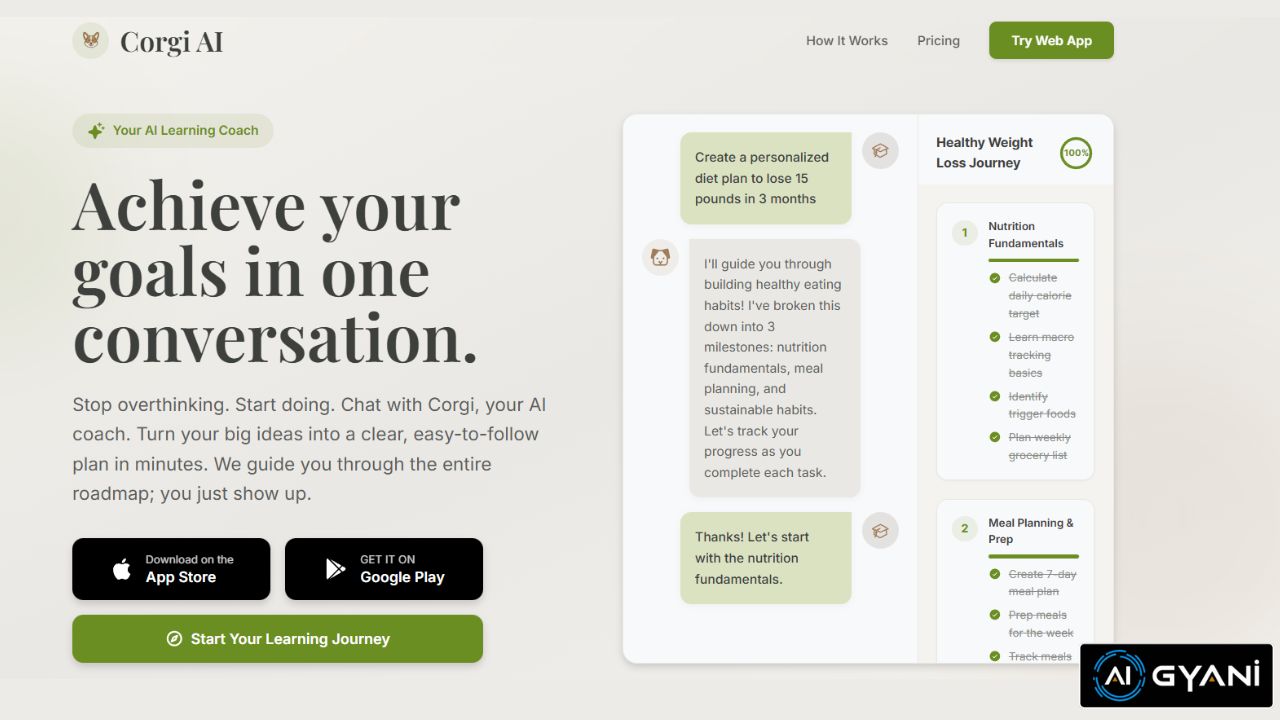
Corgi AI is an AI-driven productivity tool designed to help users turn saved articles, videos, PDFs, and other long-form content into an organized, searchable, and interactive “second brain.”
Rather than letting bookmarks and saved links pile up forgotten, Corgi ingests, indexes, summarizes, and chats with your personal content library, making it easier to extract insights, learn efficiently, and reuse information.
What Is Corgi AI?
Corgi AI is essentially a personal knowledge assistant that helps you manage and interact with your saved content — turning a cluttered collection of links, articles, videos, and documents into an actionable, conversational research and learning hub.
It aims to solve the common problem of bookmarking useful material only to forget or never revisit it.
Instead of asking generic questions to a standard AI, Corgi uses only your saved content as its knowledge base, providing answers, summaries, and insights grounded in the material you’ve personally saved.
This makes it great for study, research, work projects, and lifelong learning.
How Corgi AI Works
- Save Content You Care About
Add articles, web pages, videos, PDFs, or other long-form content to Corgi — similar to a read-later app. - AI Ingestion & Indexing
Corgi ingests and analyzes the saved items, extracting key ideas, timestamps (for video), highlights, and structure. - Searchable Knowledge Base
Your saved content becomes searchable and chat-able — you can ask Corgi questions about what you’ve saved and get contextual, citation-based answers. - Actionable Outputs
Instead of just raw summaries, Corgi can produce key takeaways, briefs, summaries, and related insights to help you act on what you’ve learned.
Key Features
📚 Read-Later “Second Brain”
Corgi transforms your backlog of saved links and documents into a structured, searchable knowledge base, making it practical to revisit and use later.
🧠 AI Chat With Your Content
Ask questions in everyday language and get contextual replies based on your own materials — with answers grounded only in what you’ve saved rather than generic web results.
🕒 Summaries & Highlights
The AI extracts key points from long articles, videos (with timestamps), and PDFs, so you can understand the core ideas without rereading or rewatching the full content.
🔍 Searchable Library
Your personal “knowledge library” lets you quickly locate relevant sections, quotes, and insights from across all saved materials with search and AI queries.
📁 Contextual Organization
Corgi lets you group and organize saved content into different contexts (future roadmap mentions “brains” for different domains like work, fitness, or hobbies), helping keep information focused and relevant.
Who It’s For
✔ Students & Educators
Turn saved research papers, articles, and lecture notes into useful study summaries and Q&A sessions.
✔ Creators & Writers
Use your saved source material to inform writing, uncover connections, and extract themes without manual review.
✔ Researchers & Knowledge Workers
Get to insights faster from a personal library of content without sifting through text or video manually.
✔ Lifelong Learners
Make “read later” actually useful by turning saved content into manageable, actionable knowledge.
Pros & Highlights
✔ Personal Knowledge Playback
Corgi answers questions based only on what you’ve saved, reducing noise from unrelated web results and focusing on your context.
✔ Video & Text Support
Works with both reading content and video material, bringing multimedia into your searchable knowledge set.
✔ Actionable Insights
More than summaries — it helps you extract the meaning and utility from what you save.
Considerations
⚠ Feature Maturity: Corgi AI is still an emerging product and may be expanding features and pricing tiers over time as it grows.
⚠ Content Privacy: Your saved content is the basis of all answers — users should understand how privacy and data storage work for their saved items.
⚠ Standalone Tool: This isn’t a full web search AI — its value comes from digesting your personal library.
Final Thoughts
Corgi AI is a uniquely practical tool for today’s information overload — transforming saved articles, videos, and PDFs into a personal AI assistant that truly understands what you’ve collected. By turning a “content graveyard” into a searchable, actionable knowledge base with chat-style queries and summaries, it helps you learn, research, and act on information far more efficiently.
Whether you’re a student, creator, researcher, or lifelong learner, Corgi makes it easier to keep knowledge alive instead of buried.