
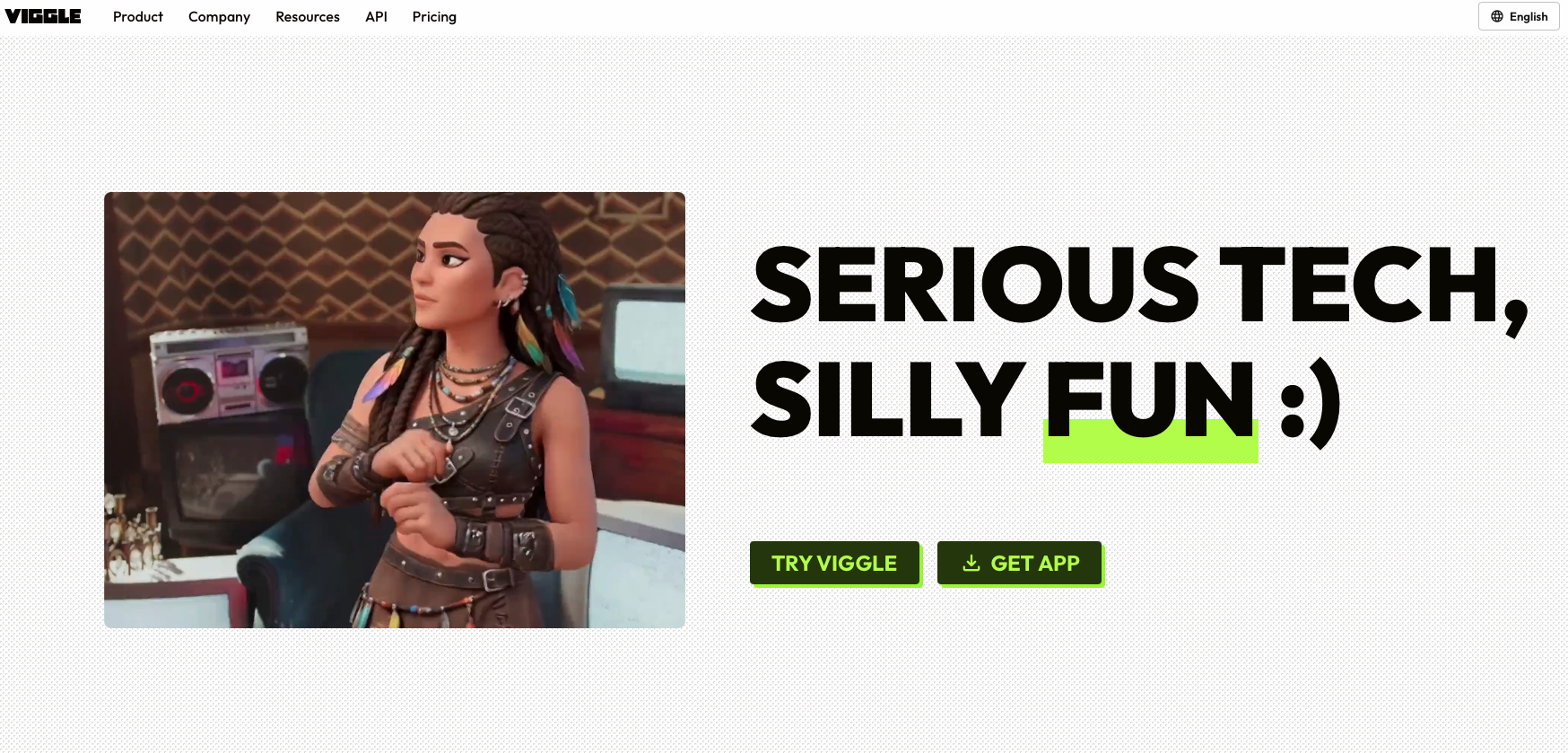
AI video creation has changed a lot in the last few years. What once needed animation skills, editing software and hours of work can now be done with a few clicks. Viggle AI is one of the platforms taking this idea further by focusing on something creators really care about: controlling how characters move.
Viggle AI is built around motion-controlled video generation. It allows creators to take a character image, combine it with movement from a reference video, and turn the still image into an animated video. The company says more than 40 million creators use Viggle, ranging from independent content creators to Hollywood studios.
The platform is particularly popular for memes, short-form videos, character animation, social media content and creative video remixes.
Quick Introduction to Viggle AI
Viggle AI is a Toronto-based AI company that develops technology for controllable video generation. Instead of simply asking AI to generate an entire video from scratch, Viggle focuses on giving users more control over characters, movement and existing footage.
Its technology can transfer human movement onto a character, animate a character from a single image and replace characters inside existing videos.
This makes Viggle AI interesting for creators who want to make engaging videos without becoming professional animators.
The platform also offers tools such as Mix, Multi-Track, Motion Control, Real-Time Swap, Video Generation and Image Generation.
What Makes Viggle AI Different?
The biggest strength of Viggle AI is its focus on motion control.
Its latest V4 model uses Viggle’s proprietary 3D world model to understand movement and transfer it to uploaded characters. According to Viggle, V4 improves complex motion handling, character consistency, facial expressions and overall stability.
That means a creator can provide a reference video of someone dancing, walking, fighting or performing another action and use that movement with a different character.
This is where Viggle stands out. Rather than making movement completely random, the platform gives creators a much more direct way to control it.
Viggle AI Features and Uses
1. Mix
The Mix feature lets users replace a character in an existing video with a character image.
For example, a creator can take a popular dance video and use a cartoon, anime character or custom-designed character instead of the original person. The movement from the source video is then transferred to the new character.
This feature works particularly well for memes, fan content and short-form videos.
2. Motion Control
Motion Control allows a static character image to follow movement from a reference video. A creator can use it to make a character dance, walk, perform an action or follow a specific movement.
Viggle says its V4 model is designed to handle even complex movements, including fast actions, flips and gymnastics-style movements.
3. Multi-Track
Multi-Track is useful when a video contains several characters.
Instead of replacing just one person, creators can work with multiple characters in the same scene. This can be useful for group dances, comedy sketches, storytelling and other multi-character videos.
4. Rap and Mic
Viggle also includes tools designed around audio-driven character animation.
Rap can turn a character into a rap-style performer using lyrics or a text prompt, while Mic can make a character talk or sing based on uploaded audio.
For social media creators, these features can turn a simple character image into entertaining short-form content.
5. Real-Time Swap
With Real-Time Swap, users can transform themselves into another character while performing in front of a webcam.
This can be useful for livestreams, entertainment content and VTuber-style experiences. Viggle says its live tool can map facial expressions, lip sync and body movements to a selected character.
6. Character Refine
One of the newer V4 features is Character Refine.
A creator can upload one character image, after which Viggle generates reference images from different angles. These references help the system maintain the character’s identity during different movements and camera angles.
This is especially useful for detailed characters, animals, robots, fantasy characters and other designs where consistency matters.
7. Video and Image Generation
Viggle has also expanded beyond motion transfer. Its platform includes video generation and image generation tools, allowing creators to create content from text or image inputs.
Who Can Use Viggle AI?
Viggle AI can be useful for a wide range of creators.
Content creators: They can make unique Instagram Reels, YouTube Shorts and TikTok videos.
Meme creators: Character swaps and motion templates make it easy to remix popular internet trends.
Animators: Viggle can help bring static character designs into motion without traditional animation workflows.
Gamers: Character animation and 3D-related tools can help with gaming content and creative experiments.
Marketers: Brands can use animated characters and short videos for social media campaigns.
Streamers: Real-time character transformation can add a different layer to livestream content.
The platform’s own tools also include PINOC, an AI motion-capture tool designed to extract skeletal animation from video footage.
Viggle AI for Social Media Creators
Viggle has found a natural audience on short-form platforms because its videos are easy to understand and highly visual.
A creator doesn’t necessarily need a complicated script. A character dancing, reacting to a trend or appearing inside a familiar scene can be enough to catch attention.
This makes Viggle particularly useful for creators who regularly need fresh content for TikTok, Instagram Reels and YouTube Shorts.
Its creator ecosystem also includes programs such as the Viggler Program, which offers perks such as Viggle Pro access, direct team support, early access and priority collaboration opportunities.
Viggle AI Pricing
Viggle AI offers a free plan for users who want to explore the platform, along with three paid plans designed for regular and heavy creators. The paid plans are available with monthly or yearly billing, with the yearly option offering 20% savings.
Free Plan
$0.00/month
The Free plan is a simple way to try Viggle without paying anything. It includes:
- 5 free Viggle videos per day
- 1 video generation at a time
- Limited Multi-Track sessions per day
- Limited Viggle Real-Time Swap sessions per day
- 7-day asset and generation storage
This plan can work well for beginners who want to understand how Viggle works before upgrading.
Pro Plan
$7.99/month when billed yearly, compared with the regular $9.99/month price.
The Pro plan is aimed at creators who need more generation capacity and access to advanced features. It includes:
- 80 credits per month
- Access to all models
- Faster Viggle video generations
- Watermark removal
- 4 video generations at a time
- Unlimited Multi-Track sessions
- Larger motion video uploads
- Permanent asset storage
- Limited Viggle Real-Time Swap sessions per day
For creators making videos regularly, Pro offers a noticeable step up from the free plan.
Live Plan
$15.99/month when billed yearly, compared with the regular $19.99/month price.
The Live plan is designed for daily creators who need higher limits and more real-time capabilities. It includes:
- 200 credits per month
- Access to all models
- Faster Viggle video generations
- Watermark removal
- 6 video generations at a time
- Unlimited Multi-Track sessions
- Larger motion video uploads
- Permanent asset storage
- Ability to stream for 6+ hours in Viggle Real-Time Swap
This plan can be a better fit for creators who frequently produce content and want to use Viggle’s real-time features.
Max Plan
$63.99/month when billed yearly, compared with the regular $79.99/month price.
The Max plan is built for power users who need the highest generation capacity and fewer restrictions. It includes:
- 800 credits per month
- Access to all models
- Faster Viggle video generations
- Watermark removal
- 10 video generations at a time
- Unlimited Multi-Track sessions
- Larger motion video uploads
- Permanent asset storage
- Unlimited sessions in Viggle Real-Time Swap
For high-volume creators, the Max plan provides the most generous limits among Viggle’s listed plans.
Viggle AI Pricing at a Glance
| Plan | Yearly Price | Regular Price | Credits | Best For |
|---|---|---|---|---|
| Free | $0/month | $0/month | Limited | Beginners |
| Pro | $7.99/month | $9.99/month | 80/month | Regular creators |
| Live | $15.99/month | $19.99/month | 200/month | Daily creators |
| Max | $63.99/month | $79.99/month | 800/month | Power users |
The yearly billing option gives users 20% off compared with the regular monthly rates. Since pricing and plan features can change, users should check Viggle’s pricing page before subscribing.
Pros and Cons of Viggle AI
Pros
- Easy way to animate static characters
- Strong focus on motion control
- Useful for memes and short-form content
- Supports multi-character scenes
- Character consistency has improved with V4
- Offers a free plan
- Available through web and mobile
- Useful for both beginners and experienced creators
- Real-time character transformation is available
Cons
- Free usage comes with limitations
- Advanced features require credits or paid plans
- AI-generated movement may still need experimentation
- Results can depend heavily on the quality of the reference image and video
- Some professional workflows may still require traditional editing software
Viggle AI Overview
| Category | Details |
|---|---|
| Platform | Viggle AI |
| Category | AI Video Generation & Character Animation |
| Headquarters | Toronto |
| Main Focus | Motion-controlled video generation |
| Latest Model | Viggle V4 |
| Core Technology | Proprietary 3D world model |
| Key Tools | Mix, Multi-Track, Motion Control, Real-Time Swap |
| Free Plan | Yes |
| Paid Plans | Pro, Live and Max |
| Best For | Creators, meme makers, animators, marketers and social media users |
Viggle’s official website says the platform is used by more than 40 million creators, showing how quickly AI-powered character video has moved into mainstream content creation.
Is Viggle AI Worth Trying?
For creators who want to experiment with AI video, Viggle AI is worth trying, especially if character animation and motion transfer are the main requirements.
Its biggest advantage isn’t simply generating another AI video. The real appeal is the level of control it gives creators over how a character moves.
Someone with no animation background can upload a character and a movement reference and start experimenting almost immediately. That makes the platform approachable for beginners while still leaving room for more advanced creative work.
The free plan also makes it easier to test the platform before spending money.
Conclusion
Viggle AI is building a different kind of AI video experience. Instead of putting all the focus on text-to-video generation, it focuses heavily on movement, characters and creative control.
From dancing anime characters and viral memes to multi-person scenes, real-time avatars and motion capture, the platform gives creators plenty of ways to experiment.
With its V4 model, stronger character consistency and expanded generation tools, Viggle AI is becoming a useful option for anyone looking to create AI-powered videos for social media, entertainment or creative projects.
For creators who want to turn a simple character image into something that actually moves, Viggle AI is certainly a tool worth exploring.