
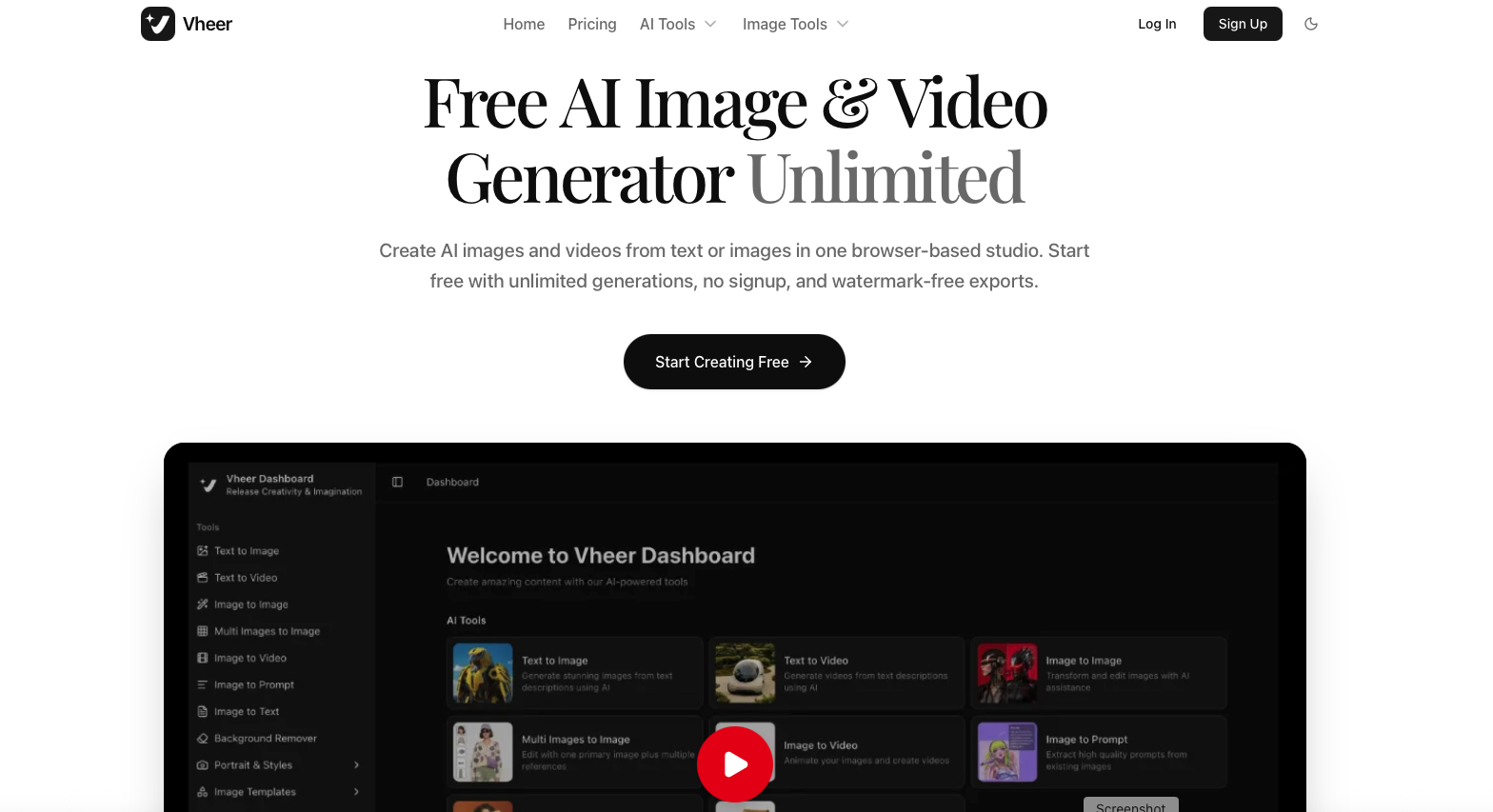
Creating good-looking images and videos used to mean juggling several different apps. One tool for images, another for video generation, another for background removal, and yet another for editing. Vheer AI takes a different approach by bringing these AI creative tools together in one browser-based platform.
Vheer AI allows users to generate images from text, create videos from prompts, animate still images, edit existing visuals, remove backgrounds, and even combine multiple reference images. The platform also offers a free plan with 50 credits per month, no watermark on exports, and no signup required to get started, according to the supplied platform information.
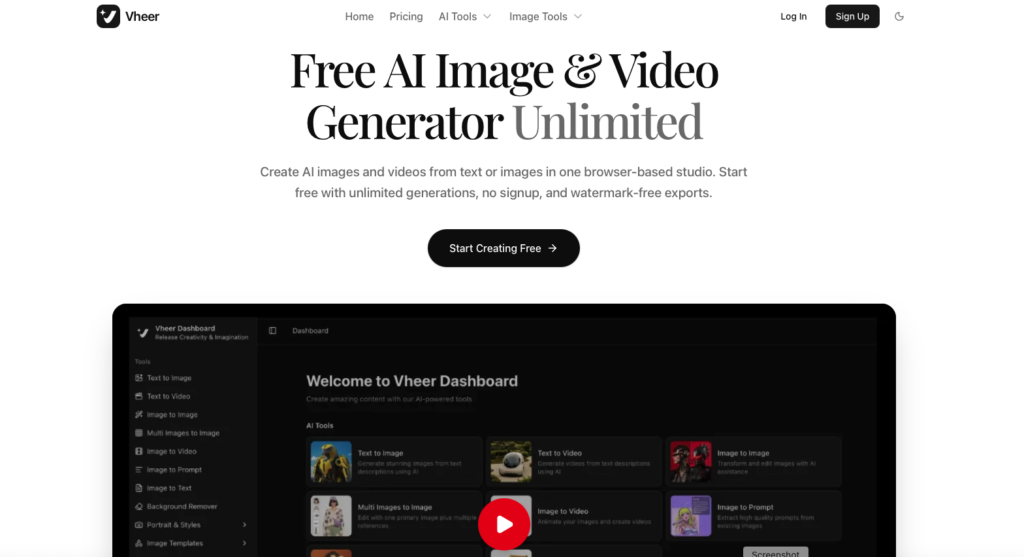
Quick Introduction to Vheer AI
Vheer AI is an all-in-one AI image and video generator designed for people who want to create visual content without switching between multiple applications.
The platform works directly in a web browser. A creator can start with a simple text prompt, an existing image, or multiple reference images and turn them into a finished visual.
This makes Vheer useful for social media creators, marketers, designers, small businesses, advertisers, and anyone experimenting with AI-generated content.
One of its biggest attractions is the free starting option. Users can try the basic tools without immediately paying for a subscription.
What Can Vheer AI Do?
Vheer AI covers several parts of the AI content creation process. Instead of focusing on only one type of generation, it provides multiple tools from a single dashboard.
1. Text to Image
Vheer AI Text to Image allows users to describe an image using text and generate a visual based on that description.
For example, a user could write a prompt describing a product advertisement, fantasy character, fashion portrait, or social media graphic.
This can be useful when an original image is needed but traditional photography or graphic design isn’t practical.
2. Text to Video
Vheer AI Text to Video turns written descriptions into AI-generated videos.
This feature can help creators experiment with short videos, promotional content, visual concepts, and social media clips.
3. Image to Image
With Vheer AI Image to Image, users can transform an existing image using AI.
Rather than starting from a blank canvas, the original image becomes the foundation for creating a different visual style or variation.
4. Multi-Image to Image
Vheer AI Multi-Image to Image allows users to work with a primary image along with multiple reference images.
This can be handy when a project needs information from more than one visual reference. For example, different images could provide inspiration for a person, outfit, product, background, or overall visual style.
5. Image to Video
Vheer AI Image to Video can turn a still image into an animated video.
For social media creators, this can be particularly useful. A static product image, artwork, or AI-generated picture can potentially be turned into a moving visual instead of remaining a simple photograph.
6. Image to Prompt
Vheer AI Image to Prompt analyzes an existing image and helps extract a detailed prompt from it.
This can be useful for creators who like a particular visual and want to understand how it might be recreated through AI prompting.
7. Image to Text
Vheer AI Image to Text uses OCR technology to extract written content from images.
For example, users can use it to pull text from screenshots, posters, scanned visuals, or other image-based content.
8. Background Remover
Vheer AI Background Remover removes the background from an image.
This simple tool can save time when preparing product photos, profile pictures, thumbnails, promotional graphics, or social media posts.
Features and Uses of Vheer AI
The biggest strength of Vheer AI is the variety of tools available under one platform.
Some of its notable features include:
- AI text-to-image generation
- AI text-to-video generation
- Image-to-video generation
- Image-to-image editing
- Multi-image reference editing
- Image-to-prompt generation
- Image-to-text extraction
- AI background removal
- Browser-based creative workflow
- Free AI generation option
- Watermark-free exports
- Premium AI models on paid plans
Who Can Use Vheer AI?
Vheer AI can fit into several types of creative work.
Social media creators can use it to make images, reels, concepts, and promotional visuals.
Digital marketers can experiment with ad creatives, campaign graphics, and product visuals.
Small businesses can create marketing material without hiring a designer for every small task.
Designers can use AI generation for inspiration, concepts, and quick visual variations.
Content creators can turn ideas into images and short videos more quickly.
E-commerce sellers can experiment with product visuals and promotional content.
In short, the platform is aimed at people who want to move from an idea to a visual without spending hours working across different software.
Vheer AI Pricing
Vheer AI offers a free plan along with three paid subscription options. The supplied pricing information lists the following plans:
| Plan | Price | Credits | Main Benefits |
|---|---|---|---|
| Free | $0/month | 50/month | Basic image generation, free tools, no watermark |
| Premium | $9.99/month | 1,000/month | Premium models, commercial use, priority support |
| Business | $19.99/month | 2,000/month | Premium models, commercial use, bonus credit packages |
| Ultra | $49.99/month | 5,000/month | Premium models, commercial use, maximum credit bonuses |
The platform also provides yearly billing, with the supplied information stating that users can save the equivalent of two months when choosing the yearly option.
The free plan is a useful starting point for someone who simply wants to test the platform. Regular creators who need more generations and commercial usage may find the paid plans more suitable.
Pros and Cons of Vheer AI
Pros
All-in-one creative platform:
Vheer brings image generation, video generation, editing, OCR, prompting, and background removal together.
Free starting option:
Users can begin without paying for a subscription.
No watermark on free exports:
The supplied information states that the free plan provides watermark-free exports.
No signup required to start:
This makes it easier for curious users to test the platform quickly.
Useful for content creators:
The combination of image and video tools makes it suitable for social media and marketing workflows.
Multiple reference images:
The multi-image feature gives creators more flexibility when building visuals from references.
Cons
Credits can limit heavy usage:
Free users receive 50 credits per month, so frequent generation may require an upgrade.
Premium models require a paid plan:
Users looking for access to all premium models need a subscription.
AI results can vary:
As with other generative AI platforms, the quality of the output depends on the prompt, reference image, model, and generation.
Advanced users may still need dedicated software:
Creators who require detailed professional editing may eventually need tools such as Photoshop, Premiere Pro, or other specialized software.
Vheer AI Overview
Vheer AI is built around a simple idea: put multiple AI creative tools in one place.
Instead of generating an image on one platform, removing its background somewhere else, and then finding another tool to animate it, users can handle several of these tasks through Vheer.
Its free plan also makes it approachable for beginners who want to experiment with AI image and video generation without committing to a monthly subscription.
For professional creators, the paid plans add more credits, commercial use, premium models, and other benefits.
Overall, Vheer AI sits somewhere between a simple AI image generator and a broader AI creative studio. Its range of tools is what makes it interesting, especially for people who regularly create visual content.
Is Vheer AI Worth Trying?
For someone looking for a free AI image and video generator, Vheer AI is worth exploring.
Its biggest advantage isn’t necessarily one individual tool. Instead, it’s the convenience of having several AI workflows under one roof.
A beginner can start with the free plan, generate images, experiment with text-to-video, animate images, remove backgrounds, and understand which features actually fit their workflow.
For creators who produce content regularly, the paid plans offer more credits and access to premium models. The right plan ultimately depends on how frequently the platform is used and whether commercial usage is required.
Conclusion
Vheer AI brings AI image generation, AI video generation, image editing, background removal, OCR, and prompt tools into a single browser-based creative platform.
Its free option makes it easy for beginners to test the technology, while Premium, Business, and Ultra plans provide more credits and advanced features for regular and professional users.
For social media creators, marketers, designers, and small businesses, Vheer AI can be a convenient way to turn ideas into visual content without constantly jumping between different AI tools.
As AI-generated content continues to become part of everyday creative work, platforms like Vheer AI are making the process simpler: write an idea, upload a reference, generate a visual, and keep creating.