

Meshy AI
Meshy is an AI-powered 3D creation platform that turns text, images, and concepts into ready-to-use 3D models, textures, and animations.
Visit website ↗Screenshots
1 image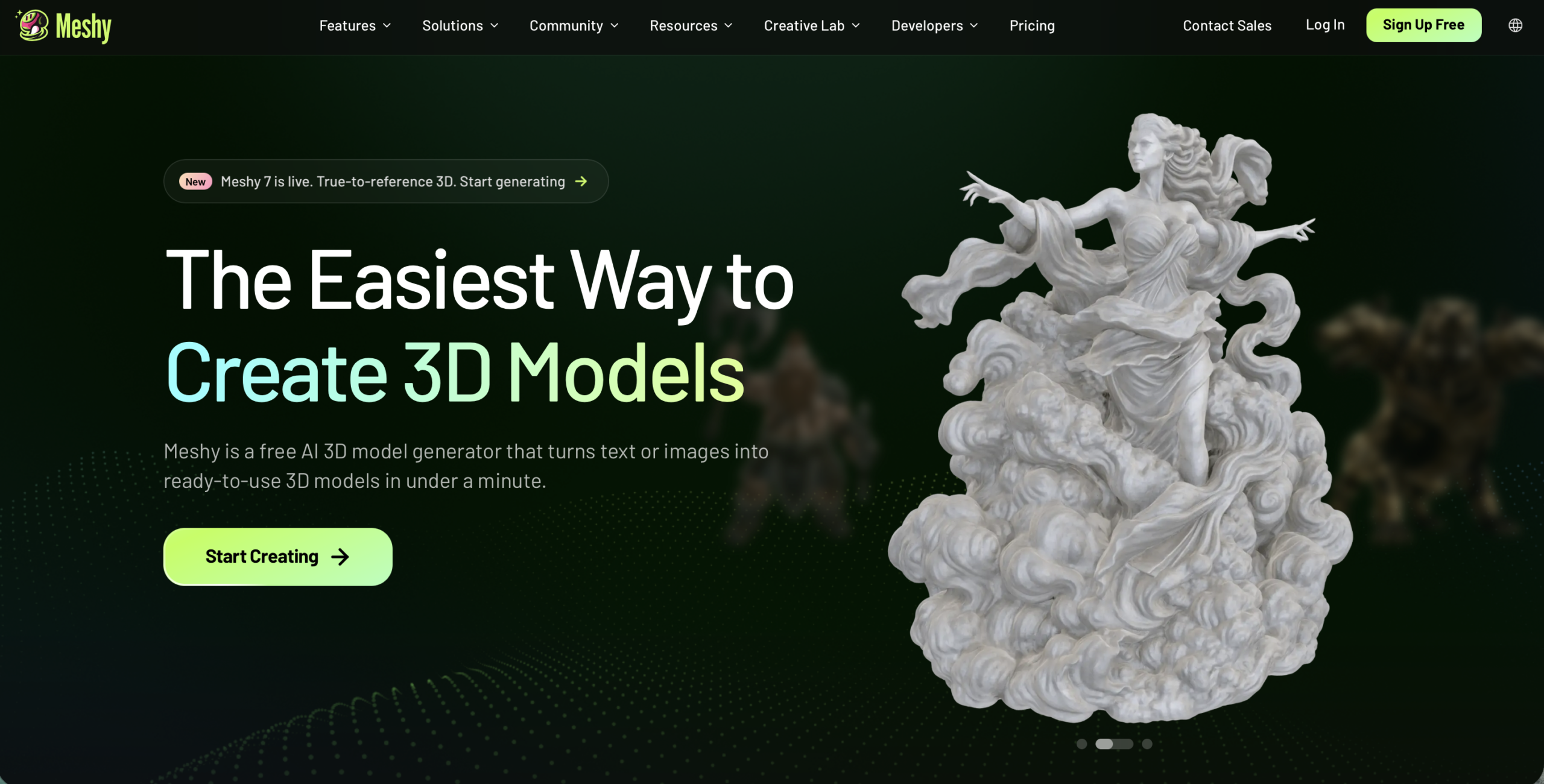
What is Meshy AI?
Meshy is a generative AI platform focused specifically on 3D creation. It allows users to create 3D models from text prompts or reference images without requiring traditional 3D modeling expertise. Its current platform includes tools for text-to-3D, image-to-3D, AI texturing, image generation, rigging, animation, and 3D workflows.
One of Meshy’s main advantages is that it brings several stages of the 3D asset workflow into one platform. Users can start with an idea, generate a model, apply PBR textures, adjust the topology, rig characters, animate them, and export the resulting assets for use in other software.
Meshy is particularly useful for game developers, 3D artists, designers, 3D-printing enthusiasts, educators, and creators. Generated models can be exported in formats such as FBX, GLB, OBJ and USDZ, with integrations and workflows for tools including Unity, Unreal Engine, Godot, Blender and Maya.
The platform also has a strong 3D-printing focus. Meshy says its models are designed to be watertight and manifold, with features such as automatic repair, splitting and exports for common printing workflows.
Key features
- Text-to-3D: Meshy generates 3D models from natural-language descriptions.
- Image-to-3D: Users can upload photos, sketches, or concept art and convert them into 3D models.
- AI Texturing: Meshy can generate PBR textures including albedo, normal, metallic and roughness maps.
- AI 3D Agent: The 3D Agent can help brainstorm concepts, work from images and create 3D assets through conversational instructions.
- AI Rigging and Animation: Characters can be automatically rigged and animated using a large library of motion presets.
- 3D Printing Tools: Meshy provides printability checks, automatic repair, model splitting and exports for 3D-printing workflows.
- API: Developers can integrate Meshy's 3D generation, texturing, rigging, animation and image-generation capabilities into their own applications.
How you can use it
Game development: Meshy can accelerate the creation of characters, props, environments and other game assets. Models can be exported into workflows involving Unity, Unreal Engine, Godot, Blender and other 3D software, making it useful for both indie developers and larger production pipelines.
3D printing: Users can turn ideas, illustrations or reference images into printable objects and miniatures. Meshy's printability features are designed to produce watertight models and can automatically repair or split models before they are sent to a slicer.
Creative and product design: Designers can rapidly prototype physical objects, characters, product concepts and visual assets without manually modeling every component from scratch. This makes Meshy useful for concept development and early-stage visualization.
Animation, VR/AR and education: Meshy can generate and animate 3D characters and assets that can be incorporated into films, interactive experiences, virtual environments and educational simulations. Meshy specifically lists animation, VR/AR and education among its use cases.
The strengths & trade-offs
Pros
- Very broad AI-powered 3D workflow in one platform.
- Supports both text-to-3D and image-to-3D generation.
- Includes texturing, rigging and animation tools.
- Strong workflow for 3D printing.
- API available for developers.
- Free plan available without a credit card.
- Supports common professional 3D export formats.
Cons
- High-quality generation can consume credits quickly.
- AI-generated models may still require manual cleanup for demanding professional projects.
- Advanced commercial licensing requires a paid plan.
- Results can vary depending on the complexity and quality of the input prompt or image.
Alternatives



Frequently asked questions
What is Meshy AI?
Meshy is an AI-powered 3D creation platform for generating models, textures, characters and animations from text and images.
Is Meshy AI free?
Yes. Meshy has a free plan providing 100 credits per month without requiring a credit card.
How much does Meshy cost?
The current Pro plan starts at $20/month, with higher tiers including Premium, Ultra and Studio plans.
Can Meshy generate 3D models from images?
Yes. Its Image-to-3D feature converts reference images, sketches and concept art into 3D models.
Can Meshy generate 3D models from text?
Yes. Meshy supports text-to-3D generation, although the exact model and supported workflows can vary by current model version.
Can Meshy models be used commercially?
Yes, paid plans provide commercial-use rights. Free-plan outputs use a CC BY 4.0 license and require attribution.
Does Meshy have an API?
Yes. Meshy provides API endpoints for 3D generation, texturing, rigging, animation and image generation.
Is Meshy open source?
No. Meshy is a proprietary commercial platform.