

Tripo AI
Tripo AI is an AI-powered 3D creation platform that turns text prompts and images into detailed 3D models and provides tools for texturing, retopology, rigging, animation, stylization, and export.
Visit website ↗Screenshots
2 images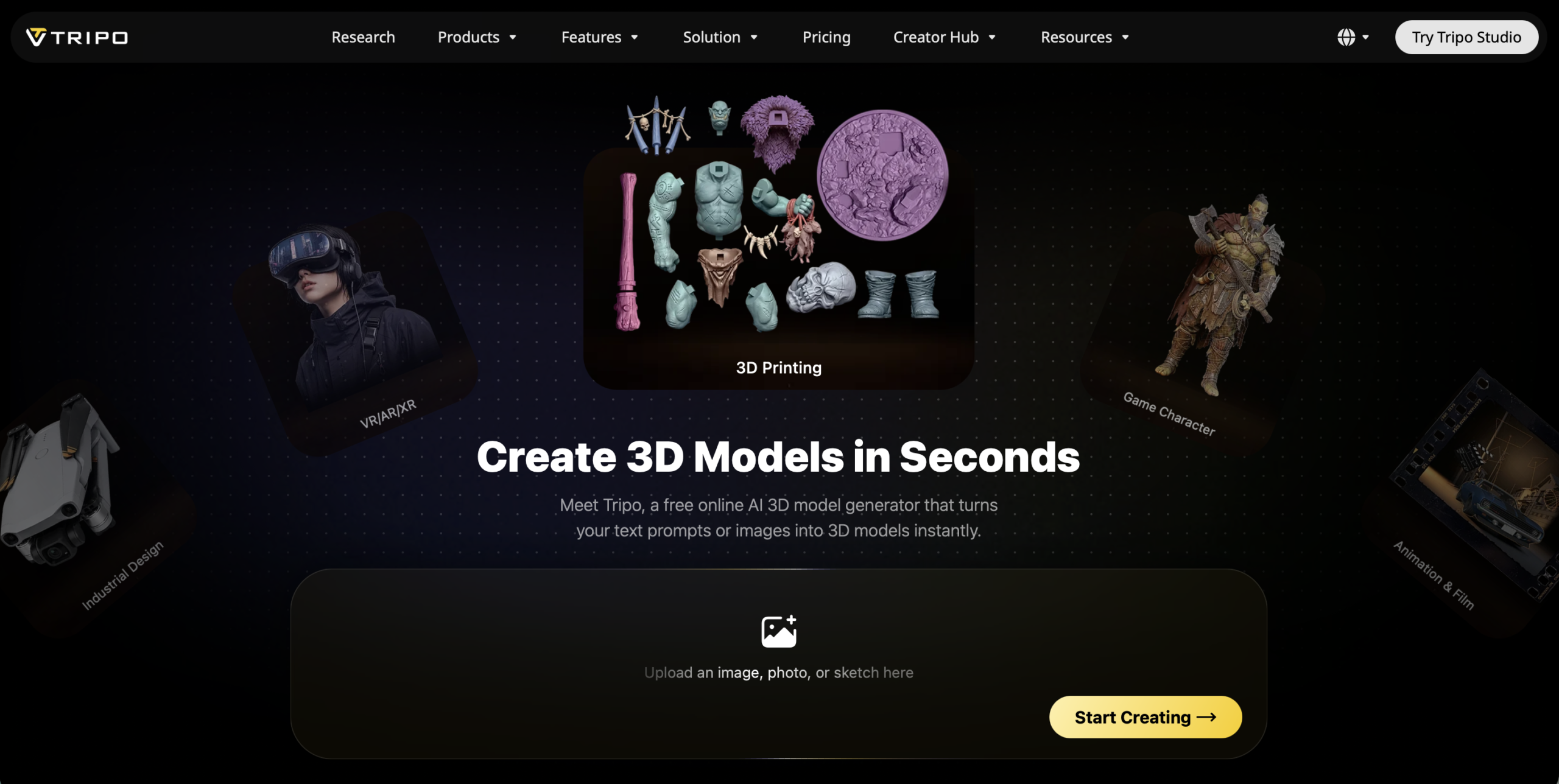
What is Tripo AI?
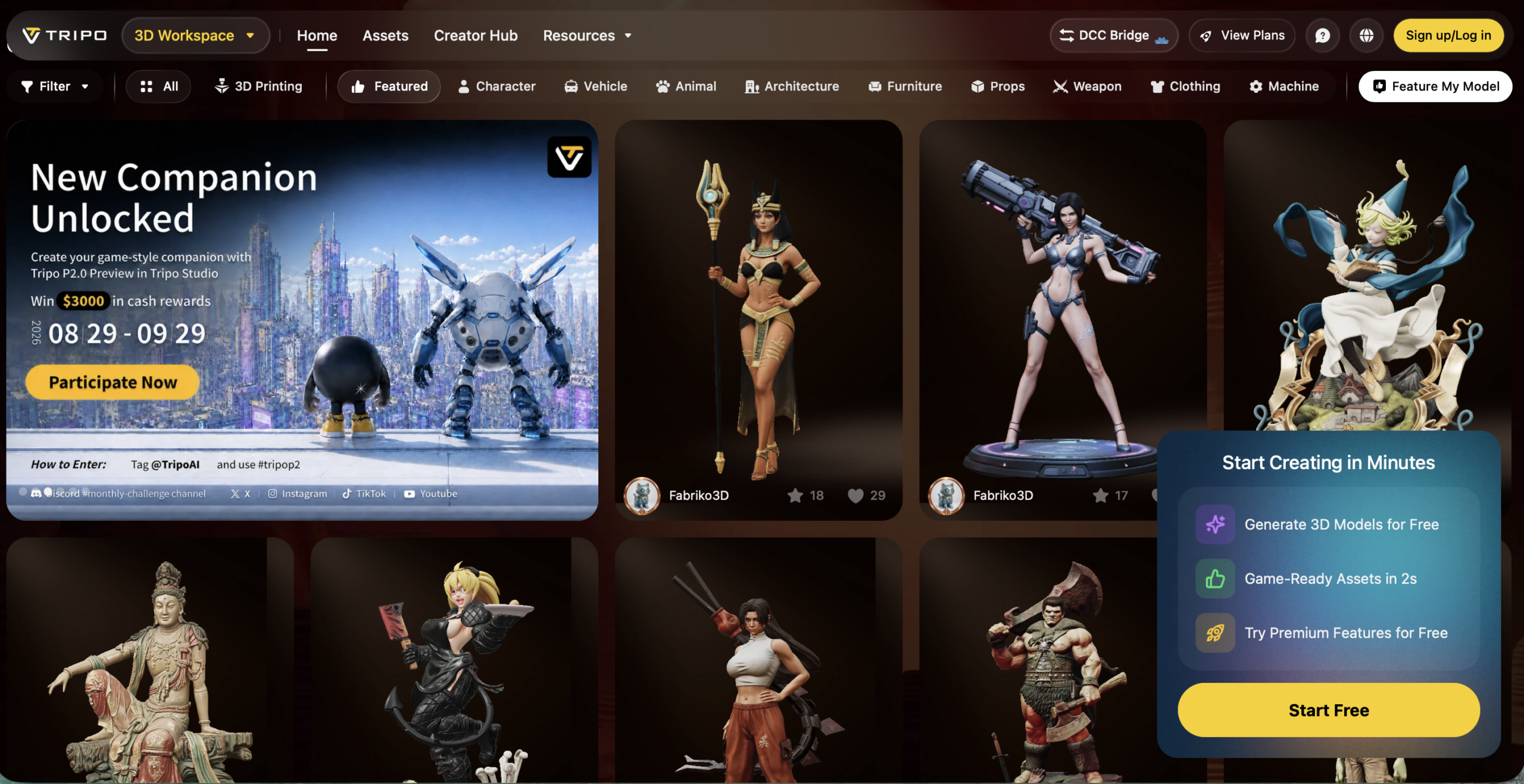
Tripo AI is an AI-powered 3D model generation and production platform designed to make 3D asset creation significantly faster. Users can enter a text description, upload a single image, or provide multiple reference images and have Tripo generate a complete 3D model automatically.
Unlike tools that stop after generating the basic geometry, Tripo covers much more of the 3D production pipeline. Its workflow includes AI image generation, model generation, segmentation, retopology, texturing, rigging, animation, and export. These modules can be used independently or combined into a complete production workflow.
Tripo provides different model-generation approaches depending on the intended use. Its High Detail Model can create models with up to 2 million polygons for rendering, VFX, 3D printing, and detailed product visualization, while Smart Mesh focuses on cleaner, optimized topology for games, animation, VR, AR, and other real-time applications.
Key features
- Text-to-3D: Tripo can transform natural-language prompts into complete 3D models that users can further refine and export.
- Image-to-3D: Users can upload reference images and convert them into high-fidelity 3D assets.
- Smart Mesh and retopology: Tripo provides tools for creating cleaner, optimized geometry suitable for downstream 3D workflows.
- AI texturing: The platform can generate detailed textures and offers Ultra HD texture capabilities for higher-quality assets.
- Automatic rigging: Tripo can automatically create skeletons and skin weights for characters and creature-like models.
- Character animation: Users can apply preset animations to rigged characters and export the resulting animated models.
- Tripo API: Developers can integrate text-to-3D, image-to-3D, and related generation capabilities into their own applications.
How you can use it
Game development: Tripo can dramatically shorten the early asset-production process for game developers. Instead of manually modeling every prop, character, creature, or environment object, developers can generate initial assets from prompts or concept images, optimize their topology, texture them, and export them for further work in a game engine or 3D application. Rigged characters can also be exported in FBX or GLB with animations.
Character creation and animation: Artists can use Tripo to move from a character concept to an animated 3D asset within one workflow. A character can be generated from text or an image, cleaned with Smart Mesh, automatically rigged, tested with preset motions such as walking or running, and exported with its skeleton and animations.
3D printing: Tripo can help makers turn ideas and reference images into printable 3D objects. Its newer workflow includes tools aimed specifically at 3D printing, including model conversion and the ability to freeze an animated character at a chosen pose and export that static pose for printing.
Product design and creative prototyping: Designers can rapidly explore objects, characters, collectibles, props, and other concepts in 3D before committing time to detailed manual modeling. This makes Tripo useful during ideation and prototyping, where generating several visual directions quickly can be more valuable than immediately producing a perfect final model.
Large-scale 3D generation: Developers and businesses can use the Tripo API to integrate automated 3D generation into their own products. The API supports asynchronous generation tasks and a credit-based usage model, making it suitable for applications that need to generate 3D content programmatically rather than manually through Tripo Studio.
Plans & pricing
Tripo offers a permanent Free plan alongside Pro, Max, and Team subscriptions. Pro starts at $20/month, Max costs $90/month when billed annually, and Team starts at $55/month per seat when billed annually.
Paid plans provide monthly credits, higher concurrency, private models, commercial-use rights, and increasingly advanced generation features. Additional credit packs can also be purchased separately.
The strengths & trade-offs
Pros
- Tripo combines generation, texturing, retopology, rigging, and animation in one 3D workflow.
- It supports both text-to-3D and image-to-3D generation.
- A permanent free plan makes the platform accessible for experimentation.
- Automatic rigging and preset animations simplify character-production workflows.
- Models can be exported into common formats for use in external 3D software and game engines.
- Developers can access Tripo's generation technology through an API.
Cons
- AI-generated models can still require manual cleanup for professional production.
- High-volume generation can consume credits quickly.
- Advanced generation and production features require paid plans.
- Automatic rigging may require manual refinement for unusually shaped or highly stylized characters.
- Professional 3D artists may still need Blender, Maya, ZBrush, or similar software for detailed final adjustments.
Alternatives

Frequently asked questions
What is Tripo AI?
Tripo AI is an AI-powered 3D creation platform that generates 3D models from text and images and provides tools for texturing, retopology, rigging, animation, and export.
Is Tripo AI free?
Yes. Tripo offers a permanent Free plan alongside its paid Pro, Max, and Team plans.
How much does Tripo AI cost?
Tripo Pro starts at $20 per month, while Max and Team plans provide higher credit allowances and advanced production features.
Can Tripo generate 3D models from images?
Yes. Tripo can transform reference images into 3D models through its image-to-3D generation workflow.
Can Tripo create 3D models from text?
Yes. Users can describe an object or character with a text prompt and generate a corresponding 3D model.
Can Tripo animate 3D characters?
Yes. Tripo can automatically rig compatible characters, apply preset animations, and export models with skeleton and animation data.
Can I use Tripo models in Unity or Unreal Engine?
Yes. Rigged models can be exported in formats such as FBX and GLB for use in external 3D software and game engines.
Does Tripo have an API?
Yes. Tripo provides an API that developers can use to integrate AI-powered 3D generation into their own applications and services.
Is Tripo open source?
Tripo itself is a proprietary platform, but the company has open-sourced UniRig, its research technology for automatic 3D rigging.