
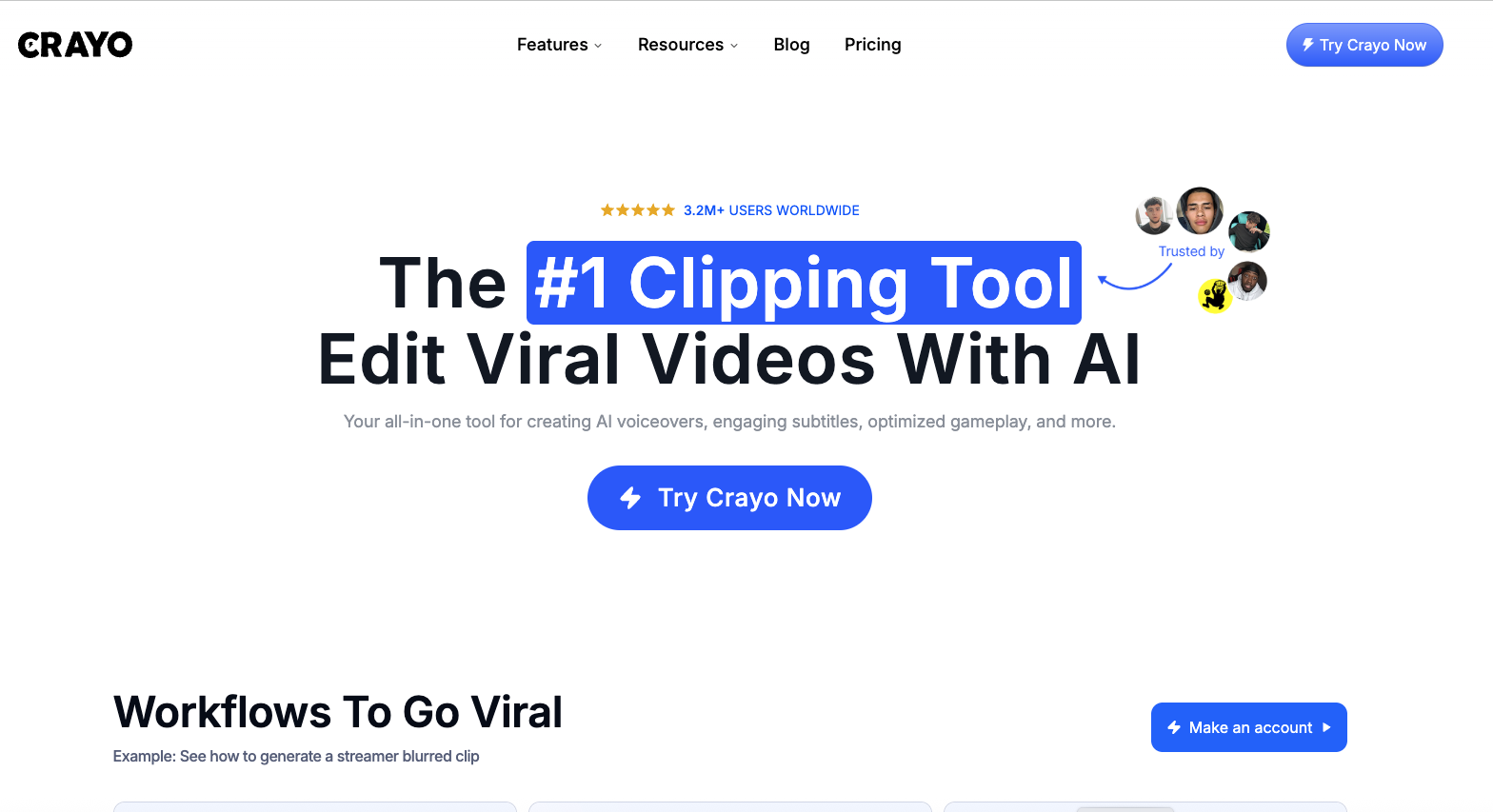
Creating short-form videos can take a lot of time, especially when the process includes cutting clips, adding subtitles, recording voiceovers, creating visuals and making the final video ready for social media. Crayo AI brings many of these tasks together in one platform. It is mainly designed for creators who want to produce viral-style videos faster with the help of AI.
Quick Introduction to Crayo AI
Crayo AI is an AI-powered video creation and editing platform focused on short-form content. It works as an all-in-one tool for creating, editing and repurposing videos.
The platform offers tools for AI voiceovers, subtitles, AI images, video clipping, background removal, voice changing and more. It also supports specific content formats such as Reddit story videos, split-screen videos, fake text videos and faceless YouTube content.
For creators who post regularly on YouTube Shorts, Instagram Reels or other social platforms, Crayo AI can reduce the amount of manual editing involved.

Key Features of Crayo AI
Crayo AI comes with a wide range of features covering video generation, AI assistance and basic editing.
1. AI Voiceover
The AI voiceover tool can turn written scripts into spoken audio. This can be useful for faceless videos, educational content, storytelling videos and short-form content where the creator doesn’t want to record their own voice.
2. AI Images
Crayo AI also provides AI image generation. These images can be used as visual elements in videos, especially when a creator doesn’t have suitable footage available.
3. Auto Clip
The Auto Clip feature is designed to help creators turn longer videos into shorter clips. This can save time for podcasters, streamers and creators who want to repurpose existing content.
4. AI Subtitles
Captions are an important part of short-form videos, and Crayo AI includes tools for creating engaging subtitles. This can make videos easier to follow, particularly when people watch without sound.
5. Voice Changer and Face Swap
The platform also includes AI-based tools such as voice changing and face swapping. These features can be useful for creative video formats, although creators should use them responsibly and avoid misleading viewers.
6. Background Remover
Crayo AI can remove backgrounds from videos, making it easier to create overlays, presentations and other social media visuals without needing advanced editing software.
7. Video Editing Tools
Along with AI features, Crayo AI offers basic editing options such as video cutting, cropping and subtitle removal. This means creators can handle several editing tasks without constantly moving between different platforms.
Crayo AI: Features and Uses
Crayo AI is built around the needs of social media creators. Some of its common use cases include:
- Faceless YouTube channels: Scripts, AI voices, visuals and subtitles can be combined to create videos without appearing on camera.
- Podcast clipping: Long podcast episodes can be turned into shorter clips for social media.
- Social media clipping: Creators can repurpose existing videos into short-form content.
- Reddit story videos: The platform provides tools specifically for creating Reddit-style storytelling videos.
- Gaming and streaming content: Streamers can create and edit clips from their longer recordings.
- Agencies: Agencies managing multiple social media accounts can use the platform to speed up content production.
- Short-form video creation: Reels, Shorts and similar videos can be created with several editing tasks handled inside one platform.
This makes Crayo AI particularly interesting for creators who need to publish content frequently rather than edit just one or two videos occasionally.
Pros and Cons of Crayo AI
Pros
- Multiple AI video tools are available in one platform.
- Useful for faceless content creation.
- AI voiceover and image generation are included.
- Auto Clip can help repurpose long-form videos.
- Includes subtitle and video editing tools.
- Useful for YouTube Shorts and social media content.
- Different plans are available for casual and high-volume creators.
- Higher plans support multiple social accounts.
Cons
- Monthly workflow credits limit how much some features can be used.
- Export time is also limited depending on the plan.
- Heavy users may need the more expensive plans.
- Some creators may still prefer advanced editing software for detailed editing.
- AI-generated content may require manual checking and editing before publishing.
Crayo AI Pricing
Crayo AI currently offers three main plans in the provided pricing information. The plans are designed around different levels of content production.
| Plan | Price | Workflow Credits | Export Time | Voiceover | AI Images | Storage | Social Accounts |
|---|---|---|---|---|---|---|---|
| Hobby | $13/month | 50/month | 40 minutes | 30 minutes | 100 | 25GB | 1 |
| Clipper | $27/month | 150/month | 2 hours | 120 minutes | 300 | 100GB | 3 |
| Pro | $55/month | 250/month | 4 hours | 180 minutes | 500 | 500GB | 10 |
The listed prices are based on yearly billing. The Hobby plan is listed at $160 per year, Clipper at $327 per year and Pro at $664 per year.
Which Crayo AI Plan Makes Sense?
The Hobby plan is aimed at creators who are just starting a channel and don’t need to produce a large amount of content.
The Clipper plan is more suitable for creators who post regularly and want higher limits for exports, voiceovers and AI images.
The Pro plan is designed for power users, creators running several channels and teams producing content at a larger scale.
Since pricing and plan limits can change, users should check Crayo AI’s official pricing page before subscribing.
Crayo AI Overview
Crayo AI is best understood as a content creation toolkit for short-form video creators. Instead of using separate platforms for voiceovers, AI images, subtitles, clipping and basic video editing, creators can access many of these features from one place.
Its biggest advantage is convenience. Someone creating faceless videos, podcast clips or social media Shorts can move through several parts of the production process without needing a complicated editing setup.
At the same time, Crayo AI isn’t necessarily a replacement for professional video editing software in every situation. Creators working on highly detailed videos may still need advanced editing tools for complete control over timelines, effects, audio and motion graphics.
Is Crayo AI Worth Using?
For creators who regularly produce YouTube Shorts, Instagram Reels, faceless videos, podcast clips or social media content, Crayo AI can be a practical option.
Its strongest appeal is speed. When a creator has to produce content every day, saving even a few minutes on each video can add up quickly. The combination of AI voiceovers, images, subtitles, clipping and editing makes the platform especially useful for high-volume content production.
However, the right choice depends on the creator’s workflow, budget and editing requirements. Beginners may find the Hobby plan enough, while daily creators may benefit more from the Clipper or Pro plans.
Conclusion
Crayo AI brings AI video creation, editing, voiceovers, subtitles, images and clipping tools into one platform. Its focus on short-form and faceless content makes it particularly relevant for modern content creators.
For someone looking to create more videos without spending hours on repetitive editing tasks, Crayo AI can be worth considering. The platform isn’t designed to replace every professional editing tool, but for fast social media content production, it offers a convenient set of features under one roof.