
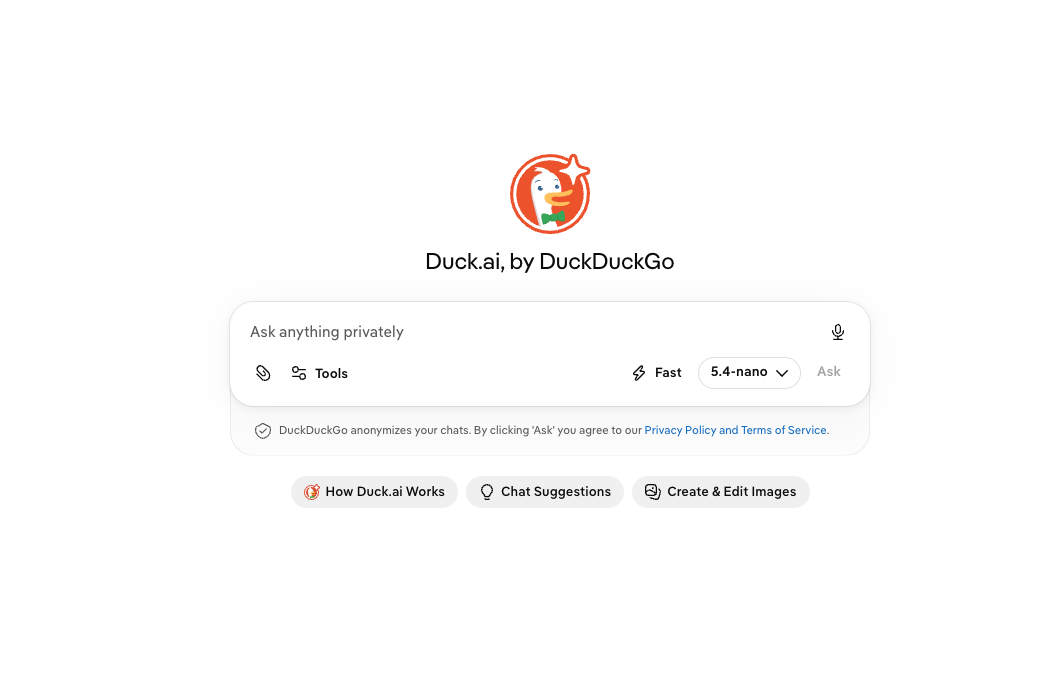
AI chat tools have become a regular part of everyday work, from writing emails and summarizing long text to finding quick answers. But for people who care about privacy, sharing prompts with AI services can be a concern.
That’s where Duck.ai comes in. Developed by DuckDuckGo, Duck.ai lets users chat with several third-party AI models through a privacy-focused interface. The service anonymizes conversations and is designed so that DuckDuckGo does not track how users use the AI, store their prompts, or use their data to train AI models.
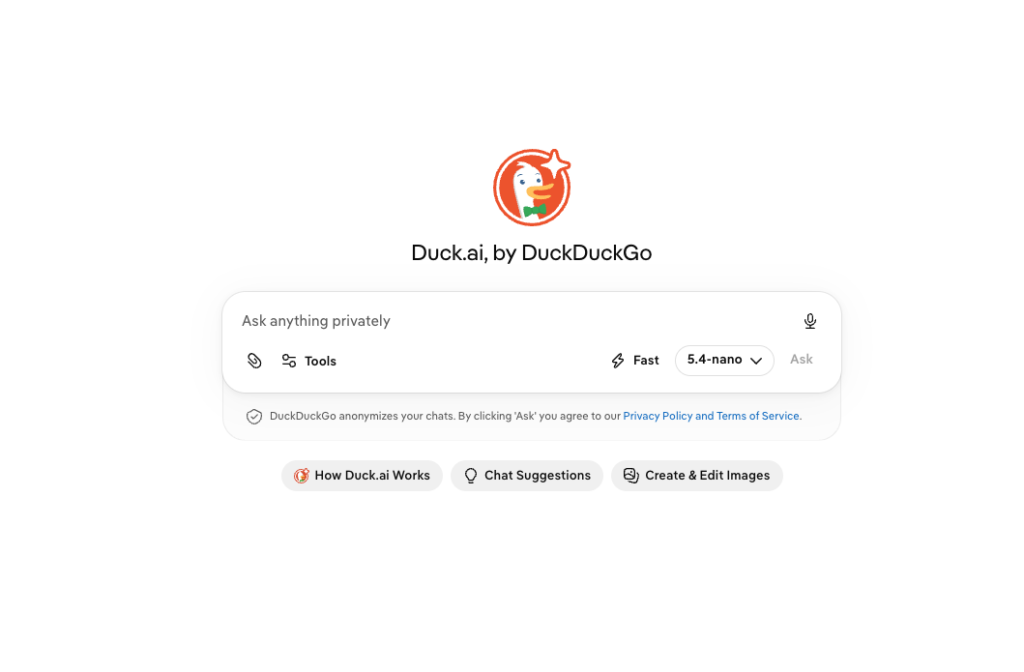
Quick Intro: What Is Duck.ai?
Duck.ai is an AI chat feature from DuckDuckGo that brings different third-party AI models into one place.
Instead of using only one AI model, users can switch between available models and compare their responses. It can be used for everyday tasks such as answering questions, writing emails, summarizing content, brainstorming ideas, and having general conversations.
Another useful feature is that Duck.ai can be opened directly or accessed while using DuckDuckGo search, making it easier to ask follow-up questions after a search.
Duck.ai Features and Uses
1. Multiple AI Models
One of Duck.ai’s main advantages is its selection of AI models. The free version currently includes:
- Anthropic’s Claude 4.5 Haiku
- Mistral AI’s Mistral Small 4
- OpenAI’s GPT-5.4 nano
- OpenAI’s GPT-5.4 mini
- gpt-oss-120b
- Gemma 4 31B, hosted by Tinfoil.sh
The available models can respond differently to the same prompt because each model uses its own algorithms and datasets.
2. Privacy-Focused AI Chats
Privacy is one of Duck.ai’s biggest selling points. DuckDuckGo says its approach is designed around private and optional AI features.
The company says it does not track how users use Duck.ai, store their prompts, or use their data to train AI models.
3. Recent Chats
Duck.ai includes a Recent Chats feature that keeps previous conversations locally on the user’s device rather than on DuckDuckGo or other remote servers.
Users can delete chats individually. They can also use the Fire Button to remove recent chats at once.
For quick access, up to five chats can be pinned to the top of the list. Pinned chats are also protected from being deleted by the Fire Button.
4. Switching Between AI Models
Users don’t have to stick with one model. The current model can be changed from the chat interface by selecting the model name.
This makes Duck.ai useful when a user wants to compare different AI responses or choose a model that works better for a particular task.
5. Everyday Writing and Research Tasks
Duck.ai can be used for a range of simple tasks, including:
- Writing or improving emails
- Summarizing text
- Answering questions
- Brainstorming ideas
- Explaining topics
- Having general conversations
- Asking follow-up questions after a DuckDuckGo search
Duck.ai Paid Plans and Advanced Models
The free version provides access to several AI models, but DuckDuckGo subscribers can access additional advanced models.
The Plus plan includes:
- GPT-5.4
- Claude Sonnet 4.6
The Pro plan includes everything available with Plus, along with:
- Claude Opus 4.8
- Higher reasoning effort than Plus
- 2x higher usage limits than Plus
This makes the paid plans more suitable for people who use AI frequently and need access to more advanced models.
Duck.ai Pricing and Overview
Duck.ai offers a free option, which gives users access to several AI models without requiring a paid DuckDuckGo subscription.
For users who want additional advanced models, DuckDuckGo offers subscription-based access through its Plus and Pro plans. The exact subscription pricing can change, so users should check DuckDuckGo’s current subscription page before making a purchase.
In simple terms:
| Plan | Main Access |
|---|---|
| Free | Claude 4.5 Haiku, Mistral Small 4, GPT-5.4 nano, GPT-5.4 mini, gpt-oss-120b and Gemma 4 31B |
| Plus | Free models + GPT-5.4 and Claude Sonnet 4.6 |
| Pro | Plus models + Claude Opus 4.8, higher reasoning effort and 2x usage limits |
Pros and Cons of Duck.ai
Pros
- Privacy-focused: DuckDuckGo says prompts aren’t stored or used to train AI models.
- Multiple AI models: Users can access different models from one interface.
- Free option: Several AI models are available without a paid subscription.
- Local chat history: Recent chats are stored locally on the device.
- Easy model switching: Users can change models during their AI conversations.
- Optional AI features: Duck.ai can be turned off from DuckDuckGo settings.
Cons
- AI responses can still be inaccurate: Different AI models may produce incorrect or misleading answers.
- Model availability can change: The list of available models depends on DuckDuckGo’s current offerings.
- Advanced models require a subscription: Some of the more capable models are limited to Plus or Pro subscribers.
- No single model behaves the same way: Users may notice different answers, writing styles, and reasoning quality across models.
Does Duck.ai Moderate AI Responses?
DuckDuckGo says it does not filter or modify the responses it receives from the AI models.
That means users may sometimes receive inaccurate or offensive information. However, the individual AI providers have their own moderation and usage policies, which can still apply when their models are used through Duck.ai.
So, just like with other AI chatbots, users should check important information instead of accepting every response at face value.
How to Access Duck.ai
Duck.ai can be used directly through a web browser. Subscribers can also access their additional models through supported DuckDuckGo browsers on iOS, Android, Mac, and Windows.
For the DuckDuckGo browser, users can open the menu, go to Settings, find the DuckDuckGo Subscription section, select I Have a Subscription, and follow the instructions.
Users accessing Duck.ai through another browser can visit Duck.ai, open Duck.ai Settings, select I Have a Subscription, and complete the sign-in process.
How to Turn Off Duck.ai
One useful point about DuckDuckGo’s AI features is that they are optional.
To turn off Duck.ai in the DuckDuckGo browser:
- Open Settings.
- Go to AI Features.
- Turn off Duck.ai.
To turn off Duck.ai from DuckDuckGo search:
- Open Search Settings.
- Go to AI Features.
- Turn off Duck.ai.
- Select Save and Exit.
Users can also turn off Search Assist by selecting Never from the Search Assist dropdown.
Is Duck.ai Worth Using?
Duck.ai is an interesting option for users who want to experiment with several AI models without jumping between different AI platforms.
Its biggest difference is its privacy-focused approach. Instead of simply offering an AI chatbot, DuckDuckGo has built Duck.ai around the idea that AI features should be useful while remaining optional and privacy-conscious.
For casual users, the free models may be enough for writing, summarizing, brainstorming, and everyday questions. More frequent AI users may find the Plus and Pro plans more useful because they provide access to advanced models and higher usage limits.
Conclusion
Duck.ai brings multiple AI chat models together in a single, privacy-focused platform. With free access to models from Anthropic, Mistral AI, OpenAI and other providers, it gives users a simple way to try different AI systems without managing several separate chat platforms.
Its local Recent Chats feature, model switching, privacy approach and optional AI settings make it stand out from many conventional AI chat tools.
For someone looking for a private AI chatbot with access to multiple models, Duck.ai is certainly worth exploring. However, as with any AI tool, its answers should be treated as assistance rather than unquestionable facts.