



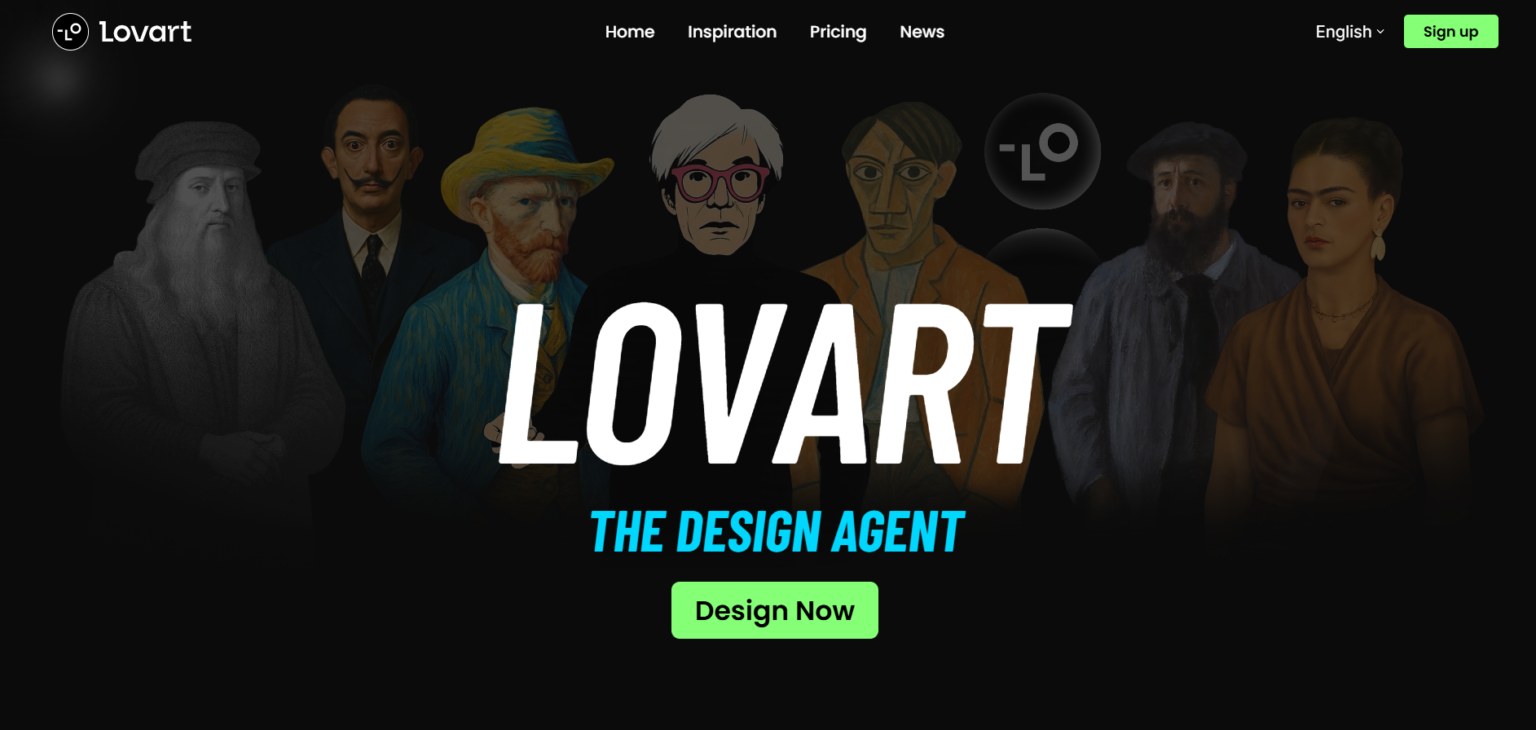
Lovart AI is an AI-powered design agent built to help creators, marketers, and brands design faster and smarter.
Instead of juggling multiple design tools, Lovart acts like an intelligent creative assistant that can generate, refine, and iterate on high-quality visual designs such as posters, social media creatives, product visuals, and brand assets — all from simple prompts.
Positioned as a “Design Agent”, Lovart focuses on end-to-end visual creation, blending AI image generation, layout intelligence, and design refinement into a single workflow.
What Is Lovart?
Lovart is an AI design platform that allows users to create professional-grade visual designs without needing advanced graphic design skills.
You describe what you want — a poster, product ad, brand visual, or concept art — and Lovart generates polished visuals that feel thoughtfully composed rather than raw AI images.
It’s designed for people who want design results, not just images.
How Lovart Works
- Describe Your Design Idea
Enter a prompt describing the design style, mood, product, or campaign. - AI-Driven Design Creation
Lovart generates complete visual designs with attention to composition, typography, colors, and balance. - Iterate & Refine
You can refine outputs, explore variations, or regenerate designs while maintaining visual consistency. - Export & Use
Designs can be used directly for marketing, branding, social media, or creative projects.
Lovart emphasizes design thinking, not just image generation.
Key Features
🎨 AI Design Agent
Lovart behaves more like a creative collaborator than a simple image generator — focusing on layouts, visual hierarchy, and aesthetics.
🖼️ End-to-End Visual Creation
Create complete designs such as:
- Posters & promotional creatives
- Product ads & packaging visuals
- Brand artwork & concept visuals
- Social media creatives
🔁 Iterative Design Workflow
Generate multiple variations, refine details, and improve visuals without starting from scratch.
✨ High-Quality, Polished Output
Designs feel studio-ready, with balanced typography, composition, and color usage — not raw AI imagery.
👥 Community Inspiration
Explore creations from other Lovart users to discover styles, ideas, and creative inspiration.
Who Is Lovart For?
✔ Designers
Speed up ideation, concept exploration, and visual drafts.
✔ Marketers & Brands
Create ad creatives, campaign visuals, and promotional designs quickly.
✔ Content Creators
Design eye-catching visuals for social platforms and digital content.
✔ Startups & Founders
Produce professional branding and product visuals without a full design team.
Pricing Overview
Lovart offers flexible subscription plans, typically including:
- Free / Entry Tier – Limited monthly generations
- Basic Plan – Increased design credits for regular creators
- Pro / Unlimited Plans – High-volume design generation, faster output, and priority access
Plans are structured around monthly generation limits and model usage, making it suitable for both casual users and professionals.
What Makes Lovart Different
✔ Focuses on design outcomes, not just images
✔ AI acts as a design agent, not a prompt toy
✔ Strong visual polish and creative consistency
✔ Ideal for branding, ads, and marketing visuals
✔ Faster than traditional design workflows
Considerations
⚠ Not a replacement for deep manual tools like Photoshop for pixel-perfect edits
⚠ Best results come from clear prompts and creative direction
⚠ Advanced brand control may still require manual refinement
Final Thoughts
Lovart is a powerful step toward AI-assisted visual design, bridging the gap between raw image generation and professional graphic design.
By acting as a design agent, it helps creators move from idea to polished visual output faster than traditional workflows.
If you need high-quality visuals without heavy design effort, Lovart offers a compelling, creator-friendly approach to modern AI-powered design.