

Otio AI
AI research workspace for analyzing PDFs, articles, videos, podcasts and data with multiple AI models and source-level citations.
Visit website ↗Screenshots
1 image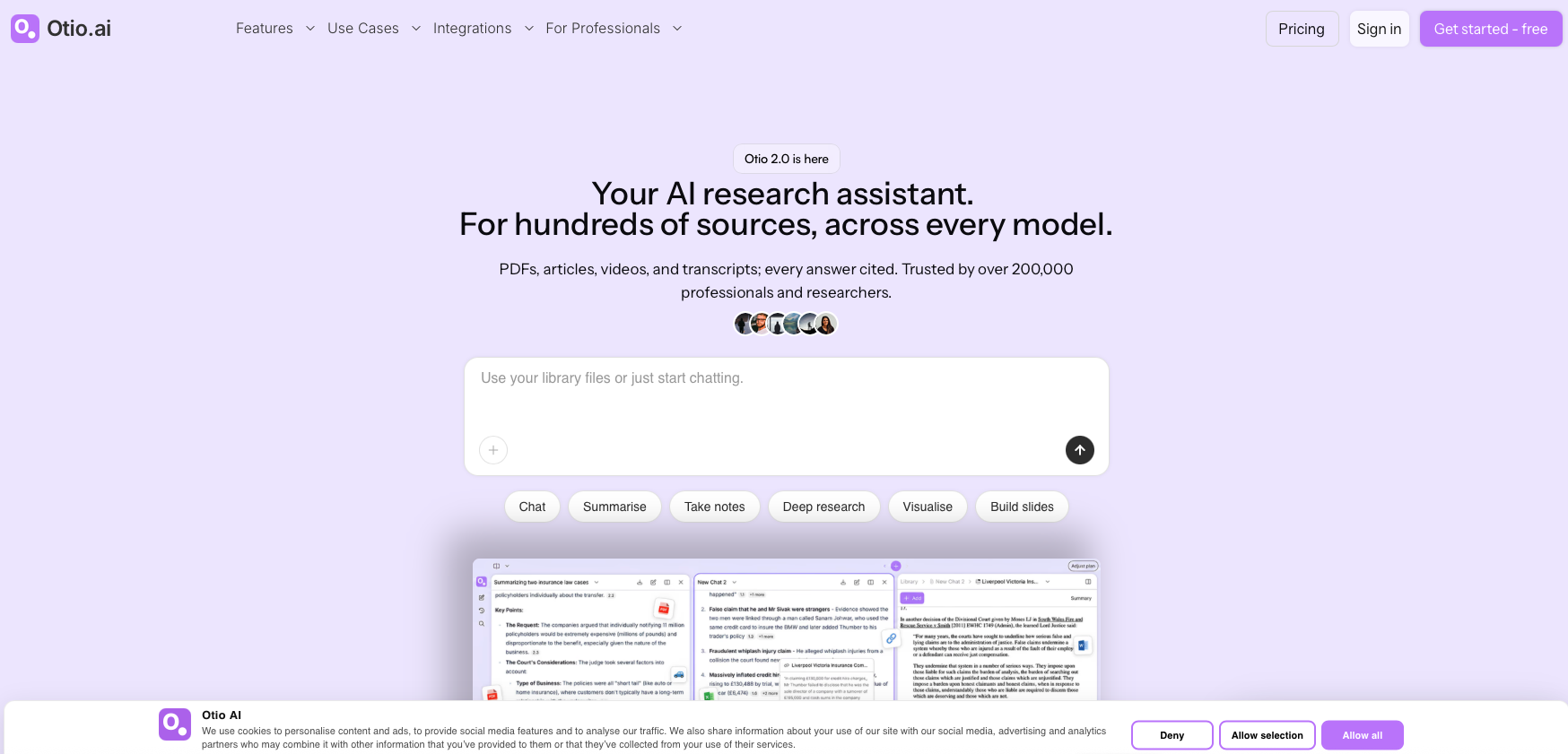
What is Otio AI?
Otio is an AI research workspace designed for working with large collections of sources such as PDFs, research papers, articles, YouTube videos, podcasts, transcripts and spreadsheets. It combines multiple AI models in one workspace and provides cited answers linked to the exact page or timestamp. Otio supports deep research, document analysis, note-taking, AI summaries, spreadsheet analysis, visualizations, model comparison and research organization.
Key features
- Multiple AI models in one workspace
- ChatGPT, Claude, Gemini, Grok, Llama, DeepSeek and Moonshot
- AI model comparison
- AI model switching
- Deep Research
- PDF analysis
- AI PDF reader
- YouTube video summarization
- Podcast summarization
- Webpage summarization
- AI OCR for scanned PDFs
How you can use it
Otio can be used for academic research, literature reviews, legal research, financial analysis, policy research, consulting, journalism, content research, essay writing, document analysis and data analysis. Users can upload large collections of papers, PDFs, articles, videos, podcasts and spreadsheets, ask questions across multiple sources, generate structured notes and summaries, compare AI responses, perform deep research and create charts from data while keeping answers connected to their original sources.
Plans & pricing
Otio has a Free plan at $0, Lite at $7/month, Go at $18/month and Pro at $45/month. Annual billing is available at 50% savings, with Lite at $84/year, Go at $216/year and Pro at $540/year. The Free plan includes limited monthly AI usage, up to 10 uploads per day, 50MB storage and 1 research space. Paid plans increase upload, storage, chat and research capacity. Otio states that all AI models, Deep Research and page-level citations are available on every plan.
The strengths & trade-offs
Pros
- Multiple leading AI models in one workspace
- Strong source-level citations
- Deep Research available on all plans
- Supports large research libraries
- Works with PDFs, videos, podcasts and spreadsheets
- AI OCR for scanned PDFs
- Model comparison
- Useful integrations with research and cloud-storage tools
- AI data visualization
- Free plan available
Cons
- Free plan has limited monthly AI usage
- Paid plans are usage-based by volume
- Higher storage and upload limits require paid plans
- Some advanced workflow features are limited to paid plans
- Large research projects can require higher-tier plans
Alternatives




Frequently asked questions
What is Otio?
Otio is an AI research workspace for analyzing and organizing large collections of research sources.
What can I upload to Otio?
You can work with PDFs, articles, YouTube videos, podcasts, transcripts, spreadsheets and other research sources.
Does Otio have a free plan?
Yes. Otio has a $0 Free plan with limited monthly AI usage.
How much does Otio cost?
Paid plans currently start at $7/month for Lite, followed by Go at $18/month and Pro at $45/month.
Does Otio support multiple AI models?
Yes. Otio provides access to models including ChatGPT, Claude, Gemini, Grok, Llama, DeepSeek and Moonshot.
Does Otio provide citations?
Yes. Otio provides citations linked to the exact page or timestamp of the source.
Can Otio analyze spreadsheets?
Yes. Users can upload CSV files, ask questions in natural language and generate visualizations from the data.
Does Otio support scanned PDFs?
Yes. Otio provides OCR for scanned and image-based PDFs.
Is Otio useful for academic research?
Yes. It is designed for researchers and supports literature reviews, source analysis, structured notes and cited research.