

Pixolm AI
AI image generator and editor for creating, editing, and refining images with prompts, references, masks, and AI creative guidance.
Visit website ↗Screenshots
1 image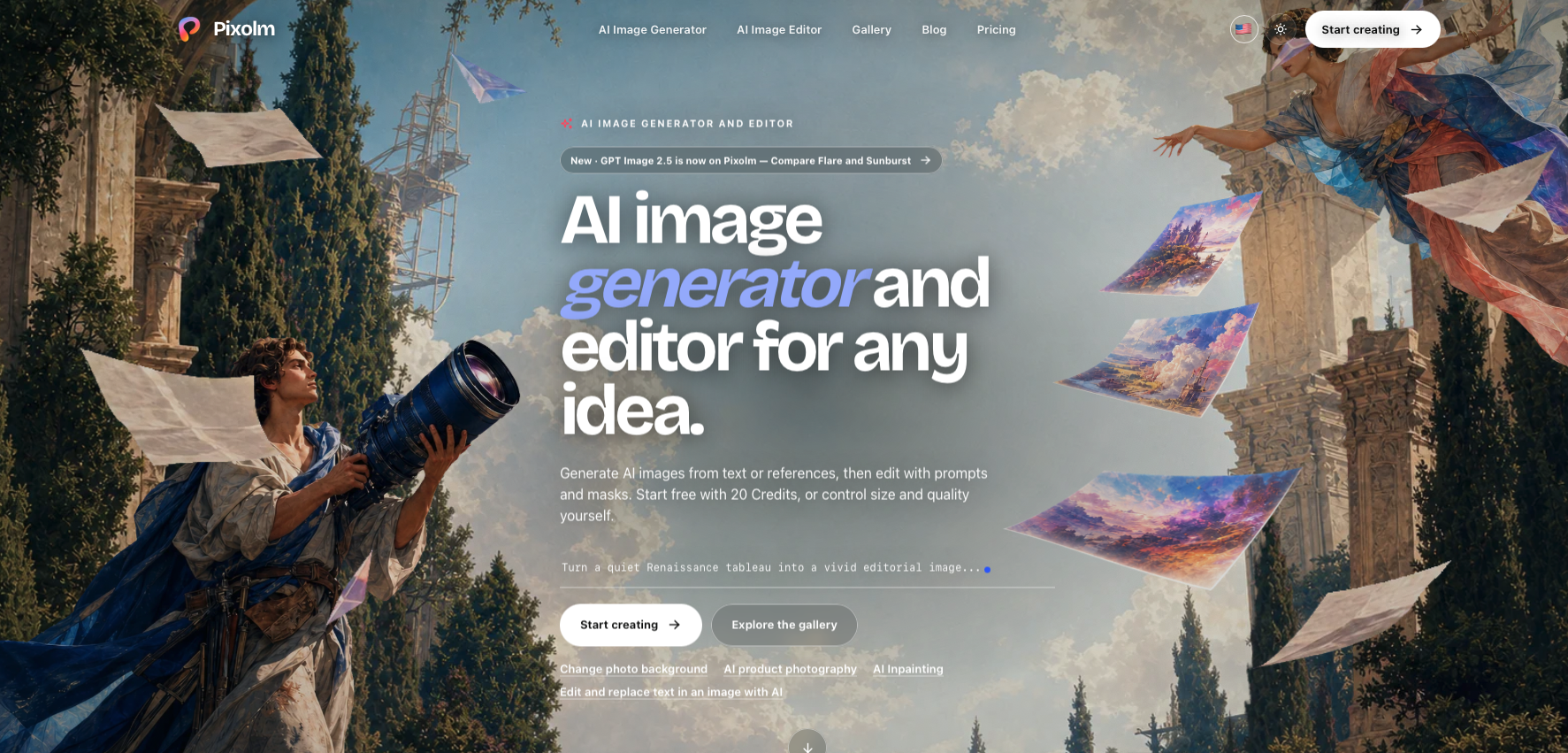
What is Pixolm AI?
Pixolm is an AI image creation and editing workspace for generating, editing, organizing, and refining visual content. Users can create images from text prompts or reference images, work with AI through a conversational creative agent, or use Custom Create for direct control over prompts, references, masks, aspect ratio, resolution, quality, and image count. Pixolm also provides tools for object removal, background changes, text replacement, product photography, image editing, style transfer, and other specialized image workflows. Generated images, references, tasks, and creative history are kept together in a visual library.
Key features
- AI image generation from text prompts
- Reference image generation
- AI conversational image creation
- Custom image creation controls
- AI image editing
- AI inpainting
- AI object removal
- Background replacement
- AI text replacement
- Image color changing
- AI style transfer
- AI product photography
- Up to 15 reference images in Custom Create
- 1K, 2K and 4K resolution controls
- Aspect ratio controls
How you can use it
Pixolm can be used to create product photography, portraits, illustrations, posters, marketing visuals, social media graphics, concept artwork, and other visual content from text prompts or reference images. It can also be used to edit existing images by removing objects, changing backgrounds, replacing text, modifying colors, changing styles, or making targeted edits with masks. Marketers and businesses can use it for product catalog images and campaign visuals, while designers and content creators can use its conversational AI agent to develop and refine visual ideas.
Plans & pricing
Pixolm offers a Free plan with 20 permanent one-time welcome Credits and access to core image generation and editing. The Plus plan costs $99 per year and includes 1,000 Credits per credit cycle and all Premium Creation Modes. The Pro plan costs $249 per year and includes 3,000 Credits per credit cycle, all Premium Creation Modes, the ability to purchase additional Credits that never expire, and the lowest Credit price. Pixolm also offers monthly billing, with the annual option advertised as saving 16.7%. Credit usage depends on the model, quality, resolution, and reference images used, and Pixolm displays the estimated Credit cost before generation.
The strengths & trade-offs
Pros
- Offers both image generation and editing
- Supports text and reference images
- Includes conversational AI creative guidance
- Provides direct image generation controls
- Supports targeted mask editing
- Includes object removal
- Supports product photography
- Offers up to 4K resolution controls
- Supports up to 15 reference images
- Keeps generated images and references in one library
- Shows estimated Credit costs before generation
- Failed generation Credits are returned
Cons
- Premium Creation Modes require a paid plan
- Image generation and editing consume Credits
- Credit usage varies by model and settings
- Advanced editing requires compatible image providers
- AI-generated results may require manual review
Alternatives



Frequently asked questions
What is Pixolm?
Pixolm is an AI image creation and editing workspace for generating, editing, organizing and refining visual content.
Can Pixolm generate images from text?
Yes. Pixolm can create images from text prompts and can also use reference images to guide the generation.
Can I edit existing images with Pixolm?
Yes. Pixolm allows users to upload an image and describe changes using prompts, references and optional masks.
Does Pixolm have an AI image editor?
Yes. Its image editor supports prompt-based editing, reference images, masks, background changes, object removal and other image transformations.
Can Pixolm remove objects from images?
Yes. Its AI inpainting tool allows users to mask an unwanted object and ask Pixolm to remove or replace it.
How many reference images can Pixolm use?
Custom Create supports up to 15 reference images, although the selected image provider may have a lower limit.
Does Pixolm support 4K images?
Yes. Custom Create provides 1K, 2K and 4K resolution controls.
Does Pixolm have a free plan?
Yes. New accounts receive 20 one-time welcome Credits that do not expire.
How much does Pixolm cost?
Pixolm has a Free plan, a Plus plan at $99 per year, and a Pro plan at $249 per year.
What is included in the Plus plan?
Plus includes 1,000 Credits per credit cycle, all Premium Creation Modes and the ability to purchase additional Credits that never expire.
What is included in the Pro plan?
Pro includes 3,000 Credits per credit cycle, all Premium Creation Modes, additional non-expiring Credits and the lowest Credit price.
Does Pixolm support AI product photography?
Yes. Pixolm provides an AI product photography workflow for creating catalog, fashion and listing images from product descriptions or reference photos.