
Viggle AI
AI character animation platform for turning images into expressive videos, memes, motion clips, and character remixes.
Visit website ↗Screenshots
1 image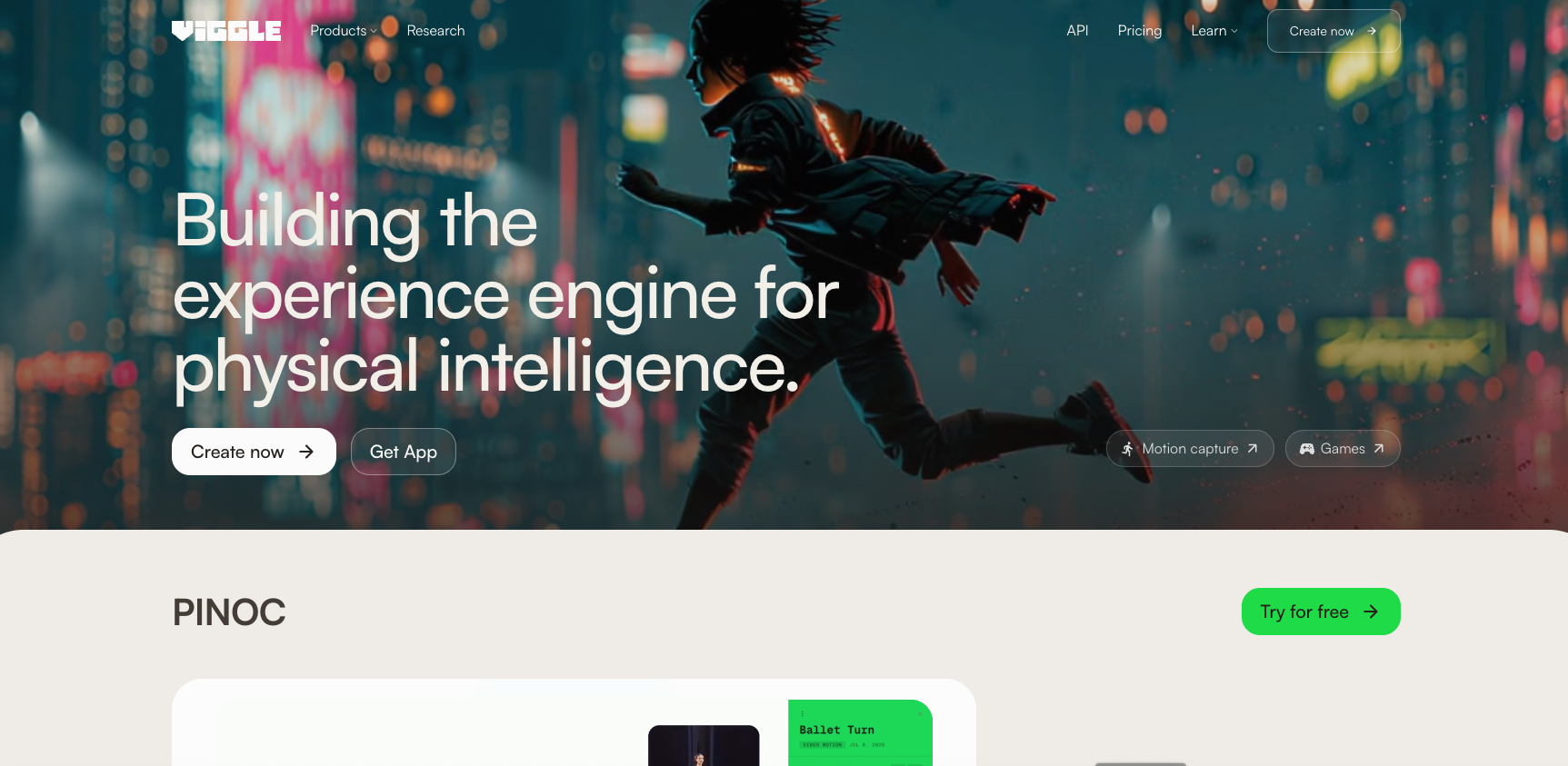
What is Viggle AI?
Viggle AI is an AI-powered character animation and video remix platform that turns character images into animated videos using motion from reference videos. Users can swap characters into existing clips, animate still images, create multi-character videos, and generate real-time character swaps. Viggle also offers motion capture, 3D character and motion workflows, games, and an API for developers.
Key features
- AI character animation
- Video Remix
- Character Swap
- Motion Transfer
- Image-to-video animation
- Single-character replacement
- Multi-character replacement
- Real-Time Swap
- Meme Maker
- Motion Capture
- Motion generation
- Text-to-Motion
- 3D character creation
How you can use it
Viggle AI can be used to create character animation videos, memes, social media content, dance videos, music clips, character remixes, promotional content, and short-form videos. Creators can upload a character image and apply motion from another video, while businesses and developers can use Viggle's API for character-based video products, UGC applications, gaming workflows, animation, e-commerce avatars, and branded content.
Plans & pricing
Viggle offers a Free plan at $0/month with 5 free videos per day, limited multi-track sessions, limited Real-Time Swap, and 7-day asset storage. Paid plans currently start at Pro for $7.99/month, followed by Live at $15.99/month and Max at $63.99/month when billed monthly. Paid plans provide monthly credits, faster generation, higher simultaneous-generation limits, permanent asset storage, no-watermark exports, and additional model access. Monthly credits expire on the billing date, while purchased credits do not expire but require an active subscription to use.
The strengths & trade-offs
Pros
- Easy character animation
- Strong motion-transfer technology
- Character swap from images
- Multi-character support
- Real-Time Swap
- Free plan available
- No-watermark exports on paid plans
- Meme creation tools
- 3D motion workflows
- Text-to-video support
- Reference-video generation
- Useful for social media creators
Cons
- Free plan has daily limits
- Advanced features consume credits
- Monthly credits expire
- Higher usage requires paid plans
- Some AI models are restricted by plan
- Generation quality can vary with source images and motion videos
- Real-time features may require higher-tier plans
Frequently asked questions
What is Viggle AI?
Viggle AI is an AI-powered platform for character animation, video remixing, motion generation, and AI video creation.
Is Viggle AI free?
Yes. Viggle has a free plan that provides 5 free videos per day.
How much does Viggle AI cost?
Paid plans currently start at $7.99/month for Pro, $15.99/month for Live, and $63.99/month for Max.
What is Viggle Video Remix?
Video Remix lets users place a character from an image into a video and apply the video's motion to that character.
Can Viggle animate a photo?
Yes. Users can upload a character image and use motion from a reference video to animate it.
Can Viggle create memes?
Yes. Viggle includes a Meme Maker designed for creating character-based memes and remix videos.
Does Viggle support multiple characters?
Yes. Viggle supports multi-character video workflows and multi-track sessions.
Does Viggle have a mobile app?
Yes. Viggle is available through iOS and Android apps as well as the web.
Does Viggle have an API?
Yes. Viggle provides an API for video remix, character, motion, 3D, and video-generation workflows.
Can developers use Viggle commercially?
Yes. Viggle's API documentation states that users retain rights to API inputs and outputs and may use outputs commercially, subject to the necessary rights and API terms.
Does Viggle support text-to-video?
Yes. Viggle's API supports text-to-video as well as first-frame, first-and-last-frame, and reference-video/image generation.