

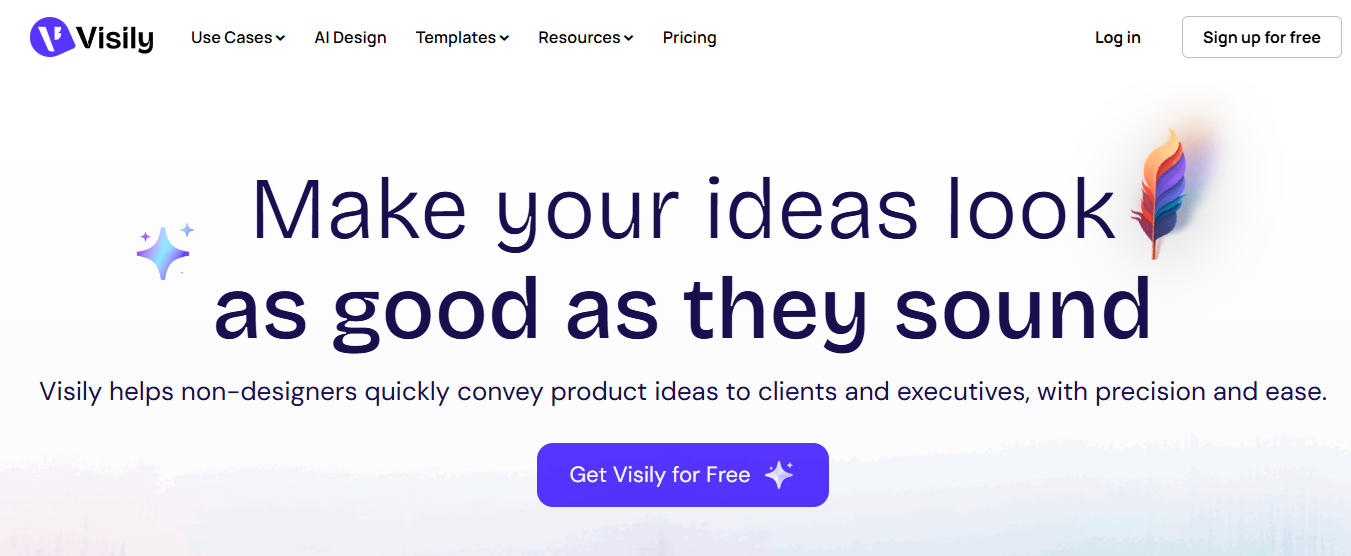
Visily AI is a modern, AI-powered design and collaboration platform built to help non-designers transform product ideas into visually compelling UI and product experiences. Designed with simplicity and speed in mind, Visily enables teams to brainstorm, design, and prototype together—without requiring any prior design expertise. From flowcharts to high-fidelity wireframes, Visily empowers users to communicate ideas clearly to clients, stakeholders, and executives in just minutes.
With artificial intelligence deeply integrated into the workflow, Visily bridges the gap between raw ideas and polished visuals, making product communication faster, clearer, and more effective.
Quick Overview of Visily AI
Visily allows anyone—regardless of skill level—to create professional-looking flowcharts, diagrams, wireframes, and prototypes. It operates within a collaborative workspace model where teams can comment, edit, and brainstorm in real time.
At its core, Visily uses AI as a collaborative layer across the entire design workflow. Users can combine screenshots, text prompts, and canvas selections in a single instruction, while the AI assistant understands context, asks clarifying questions, and works in multiple languages. The output is always fully editable, allowing teams to refine, iterate, and improve designs effortlessly.
Version 4.0 of Visily further enhances accuracy for detailed instructions and improves overall aesthetics with modern themes, fonts, layouts, and visual previews.
Who Should Use Visily AI?
Visily is created for a wide range of users who need to visualize and communicate ideas quickly, including:
- Product managers and founders
- Startup teams and solo professionals
- Business analysts and consultants
- Developers working on UI concepts
- Marketing and strategy teams
- Non-designers presenting ideas to clients or executives
Because Visily has virtually no learning curve, entire teams can collaborate seamlessly without formal design training.
Key Features of Visily AI
AI-Powered Design Assistance
Visily’s AI transforms simple prompts, screenshots, or rough ideas into structured, visually polished design components. The AI actively assists by suggesting alternatives, adjusting content, and refining layouts as users iterate.
Wireframing and Prototyping
Users can create low-fidelity and high-fidelity wireframes, interactive prototypes, and user flows in minutes, making it ideal for rapid product ideation.
Flowcharts and Diagrams
Visily simplifies complex processes by allowing teams to create clear flowcharts and diagrams that are easy to understand and present.
Collaborative Workspaces
Teams can work together in shared workspaces with real-time commenting, editing, and brainstorming across multiple boards.
Projects, Boards, and Organization
A Visily Project serves as a container for related work and includes multiple canvases known as Boards. This structure helps teams organize ideas efficiently across different stages of product development.
Modern Themes and Visual Enhancements
With updated color palettes, fonts, layouts, and theme previews, Visily ensures designs look modern and presentation-ready.
Export and Integration
Designs can be exported to Figma and other formats without watermarks, making Visily a strong companion tool in professional workflows.
Use Cases of Visily AI
Visily supports a wide range of practical use cases, including:
- Wireframing product interfaces
- Prototyping user experiences
- Brainstorming and ideation sessions
- Team collaboration and feedback
- Client presentations and executive reviews
Visily AI Pricing Plans
Visily offers flexible pricing to suit individuals, teams, and enterprises.
Starter Plan – Free
Ideal for trying out the platform.
- Free to use
- 2 editable boards per workspace
- Limited elements per board
- 300 AI credits per workspace per month
- 150 template credits per workspace per month
Pro Plan – $11 per editor/month (Billed annually)
Best for solo professionals and small teams.
- Everything in Starter
- Unlimited boards and elements
- Private folders and boards
- 3,000 AI credits per editor per month
- AI design instructions
- 8,000 template credits per editor per month
- Synced templates
- Up to 5 custom fonts
- Basic workspace library
- 7-day version history and 30-day data recovery
- Figma export and watermark-free exports
Business Plan – $29 per editor/month (Billed annually)
Designed for growing and large organizations.
- Everything in Pro
- SAML SSO
- Custom teams
- 10,000 AI credits per editor per month
- Unlimited template credits
- Unlimited custom fonts
- Full workspace library
- 30-day version history and 90-day data recovery
- Priority support
Enterprise Plan – Custom Pricing
Tailored solutions for large enterprises.
- Everything in Business
- Custom AI credit allocations
- Dedicated account manager
- Personalized onboarding and support
Pros and Cons of Visily AI
Pros
- Extremely beginner-friendly with no learning curve
- Powerful AI-assisted design workflow
- Fast wireframing and prototyping
- Excellent collaboration features
- Modern, professional design output
- Flexible pricing with a generous free plan
Cons
- Advanced designers may need external tools for deep customization
- AI credit limits apply to lower-tier plans
- Internet connection required for real-time collaboration
Final Verdict: Is Visily AI Worth It?
Visily AI stands out as an all-in-one idea visualization and collaboration tool for non-designers and cross-functional teams. By combining AI-powered design assistance with intuitive workflows and real-time collaboration, Visily makes it easy to turn rough concepts into polished, presentation-ready visuals.
For startups, product teams, consultants, and professionals who want to communicate ideas clearly and quickly—without relying on traditional design software—Visily AI is a powerful and cost-effective solution. It truly lives up to its promise of making ideas look as good as they sound.
Frequently Asked Questions (FAQ) – Visily AI
What is Visily AI?
Visily AI is an AI-powered design and collaboration tool that helps non-designers create wireframes, flowcharts, diagrams, and product prototypes quickly. It allows teams to visually communicate ideas without needing prior design experience.
Who is Visily AI best suited for?
Visily AI is ideal for product managers, startup founders, developers, business analysts, consultants, marketers, and cross-functional teams who want to turn ideas into visual designs efficiently.
Do users need design experience to use Visily AI?
No, Visily AI is built specifically for non-designers. Its intuitive interface and AI-assisted workflow make it easy for anyone to create professional-looking designs with minimal learning time.
What types of designs can be created using Visily AI?
Users can create wireframes, high-fidelity UI designs, prototypes, flowcharts, diagrams, and brainstorming boards using Visily AI.
How does Visily AI use artificial intelligence?
Visily AI uses AI as a collaborative layer across the workflow. It understands prompts that include text, screenshots, and canvas selections, then generates fully editable design objects while suggesting improvements and refinements.
What is a Project in Visily AI?
A Project in Visily AI is a workspace container that organizes related work. Each project includes multiple boards where users can create, edit, and collaborate on designs.
Can teams collaborate in real time using Visily AI?
Yes, Visily AI supports real-time collaboration. Team members can comment, edit, brainstorm, and provide feedback simultaneously within shared workspaces.
Does Visily AI support wireframing and prototyping?
Yes, Visily AI is designed for both wireframing and prototyping, allowing users to quickly build and iterate on product ideas and user experience flows.
Is Visily AI free to use?
Yes, Visily AI offers a free Starter plan that allows users to explore the platform with limited boards, elements, AI credits, and templates.
What are AI credits in Visily AI?
AI credits determine how often users can generate or modify designs using Visily’s AI features. Each pricing plan includes a monthly allocation of AI credits.
Can designs be exported from Visily AI?
Yes, Visily AI allows users to export designs, including those from Figma. Paid plans support watermark-free exports.
Does Visily AI support custom fonts and themes?
Yes, Visily AI supports custom fonts and modern themes. Higher-tier plans allow more or unlimited custom fonts for advanced branding needs.
Is Visily AI suitable for large businesses and enterprises?
Yes, Visily AI offers Business and Enterprise plans that include advanced features such as SAML SSO, custom teams, priority support, and dedicated account management.
How secure is Visily AI?
Visily AI includes enterprise-grade security features such as SAML SSO and controlled access for teams, making it suitable for professional and organizational use.
Can Visily AI replace professional design tools like Figma?
Visily AI complements professional design tools rather than fully replacing them. It is ideal for ideation, early-stage design, and collaboration, while advanced designers may still use tools like Figma for detailed customization.
Is Visily AI worth using?
Visily AI is a valuable tool for teams and individuals who want to quickly transform ideas into visually appealing designs without design expertise, making it a cost-effective and efficient solution for product communication.