
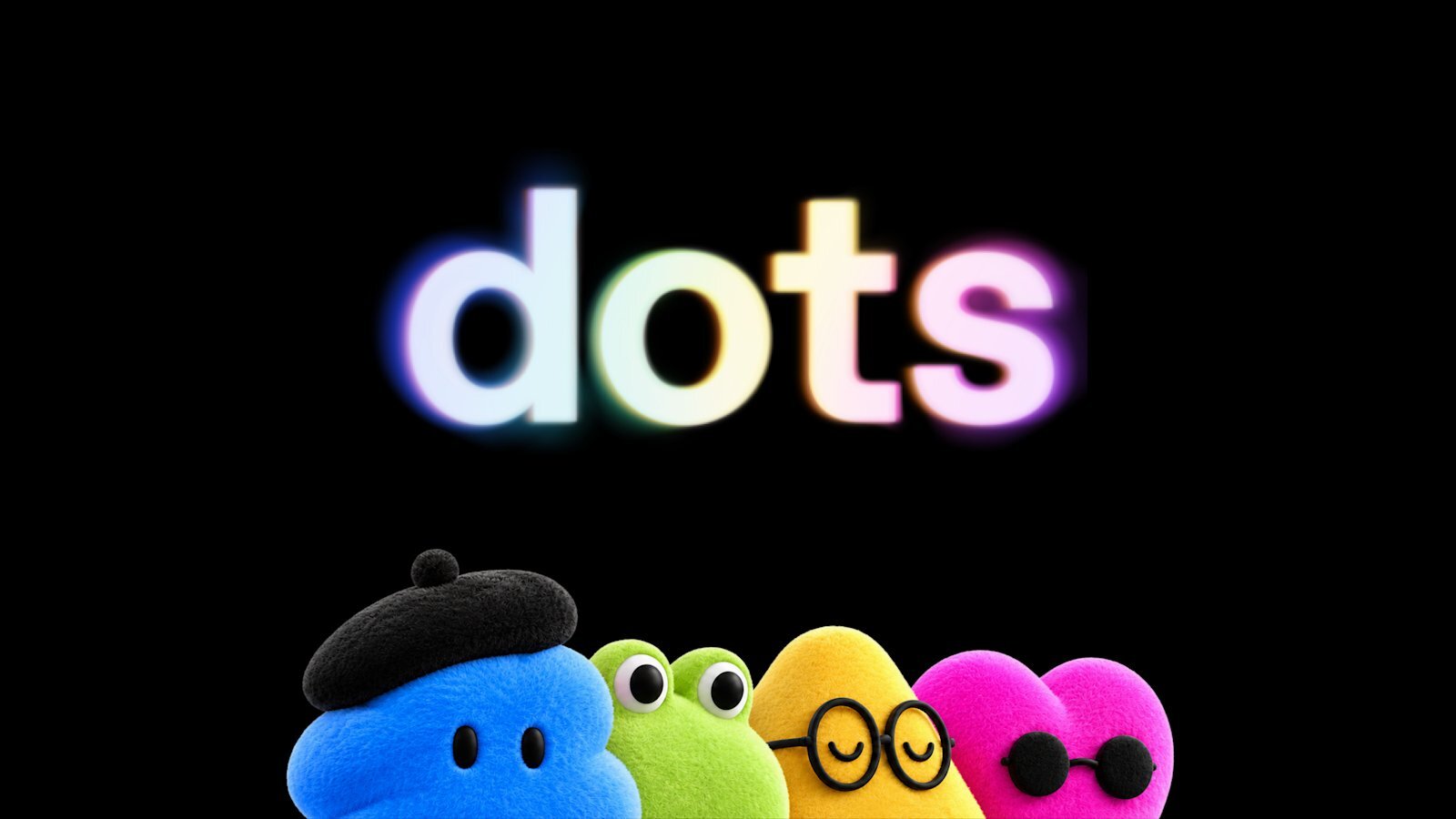
OpenAI Dots is a new type of AI agent designed to do more than answer questions. Instead of waiting for a user to send a prompt every time, Dots can work on assigned goals, interact with connected applications and continue working in the background.
OpenAI introduced Dots at its 2026 DevDay event as part of its push toward AI agents that can take responsibility for longer, multi-step tasks. Dots are powered by OpenAI’s Astra model and are designed to work across tools such as Slack, calendars and other connected applications.
In this guide, we explain what OpenAI Dots are, how Dots work, their main features, use cases, login and availability, pricing, and how they differ from traditional ChatGPT conversations.
What Is OpenAI Dots?
OpenAI Dots are persistent AI agents that can be assigned a goal and then work toward completing it across different applications.
A traditional chatbot generally waits for you to ask a question. Dots are designed around a different model: give the AI a job and allow it to continue working on that job.
For example, instead of repeatedly asking an AI assistant to check your team’s communication, you could give a Dot a broader responsibility such as monitoring relevant Slack conversations and surfacing important updates.
Dots can also work with connected services and use a cloud-based computer environment to perform tasks. OpenAI’s demonstrations included software development, website work, presentations and managing information across workplace tools.
OpenAI Dots Features
The biggest OpenAI Dots features revolve around persistent assistance, app integrations and autonomous task execution.
1. Always-On AI Agent
One of the biggest differences between Dots and a conventional chatbot is that Dots are designed to remain available and continue working on assigned goals.
This makes them more suitable for recurring or multi-step workflows where the user does not want to manually provide every instruction.
2. Work Across Multiple Apps
Dots can work across connected applications rather than being limited to a single chat window.
OpenAI has demonstrated Dots working with services including Slack, calendars and development tools. Reporting from the launch indicates that Dots are designed to work across thousands of connected applications.
This could allow a Dot to gather information from one application, process it and then take an appropriate action somewhere else.
3. Text and Voice Interaction
Users can interact with Dots using natural language. The launch also demonstrated voice-based interaction, making Dots closer to an AI assistant than a traditional text chatbot.
4. Persistent Context
Dots are designed to maintain context around the work they have been assigned.
That means users can give a Dot a larger objective instead of breaking the objective into dozens of individual prompts.
For example:
“Keep track of important product updates from our team and prepare a summary every Friday.”
The idea is that the Dot can understand the broader objective and continue working toward it.
5. Cloud Computer
Dots can use a cloud-based computer environment to carry out tasks.
This is important because many real-world workflows cannot be completed simply by generating text. An AI agent may need to navigate websites, interact with applications, inspect files or perform actions through a graphical interface.
6. Custom Rules and Permissions
Because Dots can take actions rather than simply generate answers, controlling what an agent is allowed to do becomes particularly important.
OpenAI has introduced controls and action rules intended to let users specify boundaries around what their Dots can do. The company has also described additional safeguards and review mechanisms.
7. Named and Personalized Agents
Users can give their Dot a name and identity.
This may sound like a cosmetic feature, but it reflects a larger shift in how OpenAI is positioning agents: the Dot is intended to function more like a persistent digital coworker or assistant than an individual ChatGPT conversation.
OpenAI Dots Use Cases
The potential use cases for Dots are much broader than simply asking questions.
OpenAI Dots for Developers
Developers can use Dots for software development workflows.
During the launch, OpenAI demonstrated an agent working on an API migration, including tracing dependencies, updating integrations and working with code repositories.
Potential developer use cases include:
- Reviewing software projects
- Tracking GitHub activity
- Updating documentation
- Preparing release notes
- Investigating bugs
- Managing repetitive development tasks
- Monitoring engineering workflows
OpenAI Dots for Marketing
Marketing teams could use Dots for repetitive research and content workflows.
For example, a marketing Dot could potentially:
- Monitor selected channels
- Collect campaign updates
- Prepare weekly reports
- Organize content ideas
- Track competitor information
- Draft social media content
- Prepare campaign summaries
The important difference is that the agent could potentially handle the workflow continuously instead of requiring a new prompt every time.
OpenAI Dots for Business
Businesses could use Dots as digital assistants for internal workflows.
Possible applications include:
- Preparing daily business updates
- Monitoring team communication
- Organizing meetings
- Preparing reports
- Following up on recurring tasks
- Managing project information
- Collecting information from multiple business tools
OpenAI has also indicated that specialized Dots could eventually be developed for particular organizational roles.
OpenAI Dots for Research
Researchers could use an agent to collect information from predefined sources, organize findings and prepare summaries.
Instead of asking an AI:
“Research this topic.”
once, the workflow could become:
“Continue monitoring these sources and tell me when something important changes.”
That is one of the major ideas behind persistent AI agents.
OpenAI Dots for Content Creators
Content creators could potentially use Dots to organize their production workflow.
For example, a creator could assign a Dot to:
- Track content ideas
- Organize research
- Monitor social channels
- Prepare content briefs
- Organize media
- Draft captions
- Prepare publishing checklists
The creator could then review the output instead of manually coordinating every step.
How to Use OpenAI Dots
The basic concept is relatively simple.
Instead of starting with a small question, users give the Dot a goal, context and boundaries.
A useful instruction might look like:
“Every weekday, check the project updates in our connected workspace. Identify anything that requires my attention, summarize it and prepare a priority list. Do not send messages without asking me first.”
The more clearly the task, permissions and stopping points are defined, the easier it is for an agent to operate within the user’s expectations.
Dots can then use their available tools and connected applications to work toward the objective.
OpenAI Dots Login: How to Access Dots
Users looking for an OpenAI Dots login should access Dots through the ChatGPT experience rather than assuming that Dots requires a separate standalone website.
According to reporting from the launch, Dots are being introduced to selected paid ChatGPT users, including Pro, Business Premium and Enterprise users. Availability can depend on the account and rollout stage.
If Dots are available on your account, you should look for the Dots or agent-related option within the ChatGPT interface.
Important: Availability may change as OpenAI expands the product, so users should check their ChatGPT account and OpenAI’s official announcements for the latest access information.
Is OpenAI Dots Free?
The availability and pricing model for Dots is different from simply using ChatGPT for a normal conversation.
Current launch reporting indicates that Dots are initially aimed at paid ChatGPT users, including Pro and business-oriented plans. OpenAI is also expected to differentiate access based on the amount and complexity of work performed by agents.
Because pricing and availability can change during the rollout, users should check OpenAI’s current product information before purchasing a plan specifically for Dots.
OpenAI Dots vs ChatGPT
The easiest way to understand the difference is to think about conversation versus delegation.
| Feature | ChatGPT | OpenAI Dots |
|---|---|---|
| Ask questions | Yes | Yes |
| Generate content | Yes | Yes |
| Persistent agent | Limited by workflow | Core concept |
| Multi-step tasks | Yes | Core focus |
| Connected apps | Yes, depending on configuration | Core part of the experience |
| Background work | Limited by feature | Designed for this |
| Autonomous actions | Available in some agent workflows | Central to Dots |
| Personalized agent identity | No | Yes |
| Long-running objectives | Possible with specific features | Designed around this |
The distinction is not that ChatGPT cannot perform complex tasks. OpenAI has already introduced agent capabilities that can browse the web, use connectors and perform multi-step work. Dots represent a more persistent model of that concept, where the AI agent itself becomes an ongoing worker.
OpenAI Dots vs Meta Muse
OpenAI Dots arrives at a time when persistent AI assistants are becoming an increasingly important product category.
Meta recently introduced Muse, another AI assistant designed to perform tasks on behalf of users. OpenAI’s Dots have been widely compared with Muse because both products move beyond traditional chatbot interactions toward AI agents that can take actions and handle tasks.
However, their exact features, integrations, availability and target users differ and are continuing to evolve.
Rather than thinking of Dots as simply another chatbot, it is more useful to view them as part of the broader transition from AI that answers questions to AI that performs work.
What Can OpenAI Dots Actually Do?
The answer will depend on the tools, permissions and integrations available to a particular Dot.
At launch, demonstrations and reporting showed use cases involving:
- Software development
- API migration
- Slack
- Calendars
- Website creation
- Presentations
- Research
- Business workflows
- Content-related tasks
OpenAI’s broader direction is to allow agents to interact with digital tools and take responsibility for increasingly complex workflows.
Are OpenAI Dots Safe?
Safety is particularly important for an AI system that can take actions independently.
A chatbot that produces an incorrect answer is one problem. An AI agent that misunderstands an instruction and performs an action in an external application can create a much larger problem.
For this reason, OpenAI has emphasized controls, permissions, action rules and review mechanisms for Dots. Users can define what their agents are allowed to do, while safeguards are intended to reduce unwanted actions.
Users should still treat an autonomous AI agent like a powerful software tool: give it only the access it needs, define clear boundaries and review important actions.
Why OpenAI Dots Matter
The most important part of Dots may not be any individual feature.
It is the shift in the way people interact with AI.
The first generation of mainstream AI assistants largely worked like this:
User → Prompt → AI → Answer
Agentic systems increasingly work like this:
User → Goal → AI → Tools → Actions → Result
Dots are designed around the second model.
Instead of asking an AI to help with every individual step, users can potentially delegate an entire workflow.
That could eventually change how people use software. Instead of learning dozens of different applications, users may increasingly describe what they want and allow AI agents to operate those applications on their behalf.
Frequently Asked Questions About OpenAI Dots
What is OpenAI Dots?
OpenAI Dots are persistent AI agents designed to work toward user-defined goals across connected applications.
How do I log in to OpenAI Dots?
Dots are accessed through the ChatGPT experience for eligible users rather than necessarily through a separate Dots login page. Availability depends on the user’s ChatGPT plan and rollout status.
Is OpenAI Dots available for free users?
The initial rollout is focused on paid ChatGPT users, including Pro and business-oriented plans. Availability can change as OpenAI expands the product.
What are the main OpenAI Dots features?
Major features include persistent AI assistance, connected applications, cloud-computer access, text and voice interaction, personalized agents, task execution and controls for agent actions.
What can OpenAI Dots be used for?
Potential use cases include software development, marketing, research, content creation, business operations, communication monitoring, calendar management and other repetitive multi-step workflows.
Are OpenAI Dots the same as ChatGPT?
No. Dots are designed as persistent agents that can work toward broader goals. ChatGPT is the broader AI assistant platform that includes multiple ways of interacting with AI, including agentic capabilities.
Are OpenAI Dots available in India?
Availability can depend on OpenAI’s rollout, account type and plan. Indian users should check their ChatGPT account for the Dots option rather than relying on older availability information.
Final Thoughts
OpenAI Dots represent a move toward a more autonomous form of AI assistance.
Instead of using AI only as a place to ask questions, users can potentially delegate ongoing tasks to an AI agent and allow it to interact with the software they already use.
The technology is still evolving, and the exact capabilities, pricing and availability of Dots are likely to change as OpenAI expands the product.
But the basic idea is clear: the next generation of AI assistants may not just answer your prompts—they may take responsibility for getting the work done.