
ABrush AI
ABrush is an AI-powered Photoshop plugin that brings image generation, editing, retouching, upscaling, and background removal directly into Adobe Photoshop.
Visit website ↗Screenshots
1 image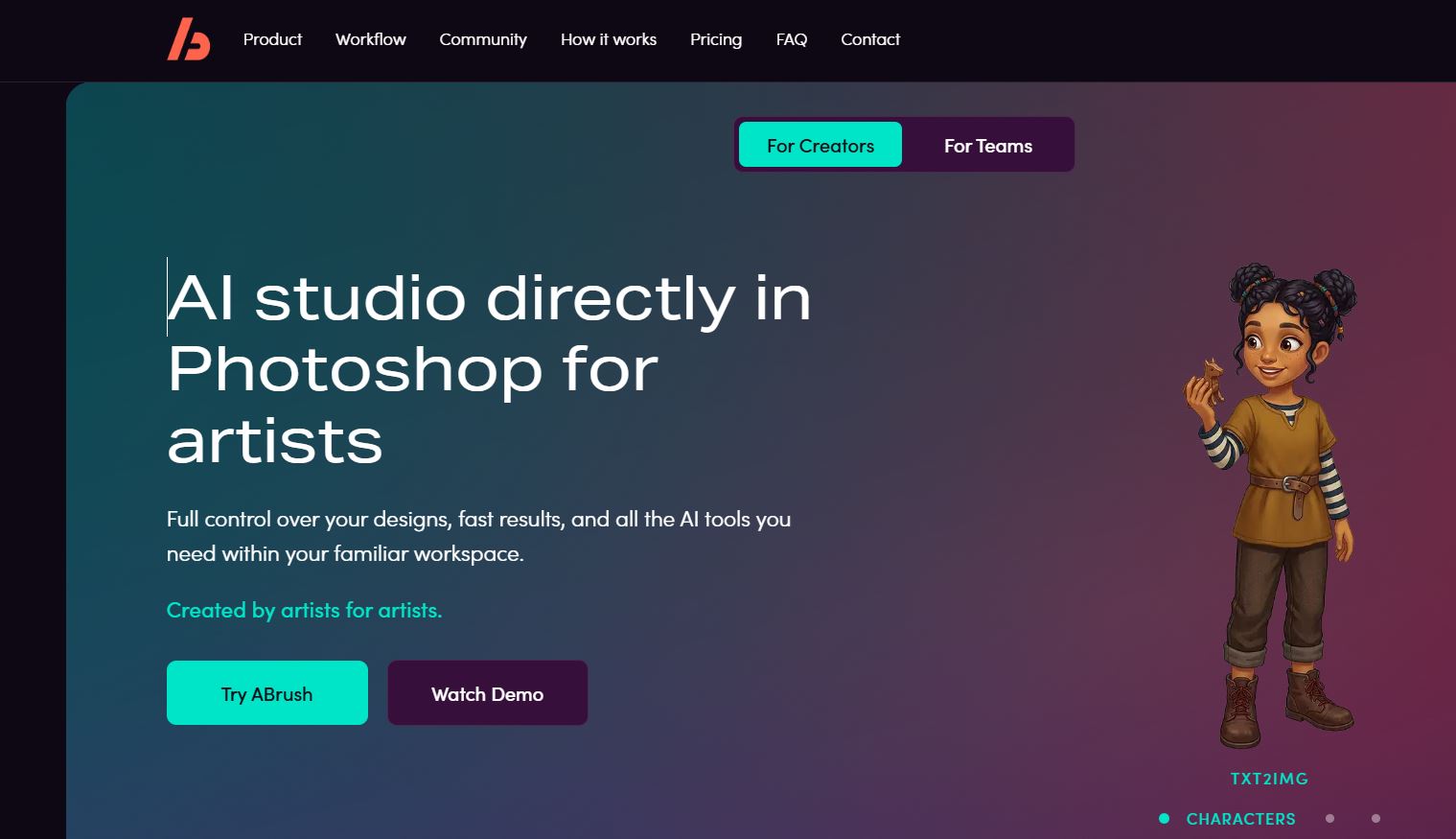
What is ABrush AI?
ABrush is an AI creative tool designed specifically to work inside Adobe Photoshop rather than as a separate image-generation website. It adds an AI panel to Photoshop so users can generate and modify images while keeping their existing Photoshop workflow, layers, selections, and editing controls.
The plugin supports several AI workflows, including text-to-image, image-to-image, instruction-based editing, upscaling, and automated Actions. Users can select an area of an image, describe what they want changed in natural language, generate several variations, and insert the preferred result back into the Photoshop document.
ABrush also works as a multi-model interface. Its website currently advertises 23+ models, including models from Stable Diffusion, Flux and other providers, while allowing users to switch models depending on the task.
The tool is particularly aimed at professional visual workflows such as photography, graphic design, illustration, advertising, concept art, character creation, image restoration and commercial image production. ABrush states that generated images are owned by the user and that user data is not used to train models.
Key features
- Photoshop-native AI editing lets users generate and modify images without leaving their Photoshop workspace.
- Text-to-image generation creates new visual concepts directly on the Photoshop canvas.
- Image-to-image generation transforms an existing image while retaining its composition and visual structure.
- Instruction-based editing allows users to describe changes in natural language, such as removing objects or changing clothing.
- AI upscaling increases image resolution while adding detail and reducing noise.
- Background removal automatically isolates subjects and places the result on a separate Photoshop layer.
- ControlNet and IP-Adapter support provide additional control over composition, poses and visual references.
- LoRA support allows artists to use style-oriented models and custom visual styles.
- Generation history and presets make it possible to reuse prompts and settings across creative projects.
- Automated Actions provide one-click workflows for tasks such as rendering sketches, creating character sheets and removing backgrounds.
- Multiple AI models allow users to switch between different image-generation engines according to the task.
How you can use it
Photo editing and retouching: ABrush can speed up repetitive Photoshop work such as removing unwanted objects, cleaning backgrounds, fixing local imperfections, adjusting details and performing targeted retouching. The AI works on selected areas, allowing the rest of the image to remain untouched.
Graphic design and creative production: Designers can generate new assets, concepts, illustrations, backgrounds, characters and visual elements directly inside an existing Photoshop composition. This is useful when AI-generated material needs further manual refinement rather than being the final output.
Photography and commercial imagery: Photographers can use ABrush for portrait retouching, background replacement, image restoration, upscaling, noise reduction and other post-production tasks. The Photoshop-native workflow is especially useful when the original layered project needs to remain editable.
Illustration, games and concept art: Artists can turn sketches into finished artwork, generate character concepts, create character sheets and experiment with different visual styles while retaining control over the underlying composition.
The strengths & trade-offs
Pros
- Works directly inside Photoshop.
- Combines generation and editing in one workflow.
- Supports multiple AI models.
- Provides advanced controls such as ControlNet, IP-Adapter and LoRA.
- Useful for both generation and professional image post-production.
- Keeps generated work within the Photoshop workflow rather than requiring repeated export/import.
Cons
- Requires Adobe Photoshop, so it is not a standalone image editor.
- AI generation consumes tokens under the paid plans.
- Exact token costs can vary by model and feature.
- Some advanced controls may require more technical knowledge.
Alternatives



Frequently asked questions
What is ABrush?
ABrush is an AI-powered plugin that brings image generation and editing capabilities directly into Adobe Photoshop.
Is ABrush a Photoshop plugin?
Yes, ABrush operates as a panel/plugin inside Adobe Photoshop.
Can ABrush generate images from text?
Yes, its Txt2Img mode generates new images from text prompts.
Can ABrush edit existing photos?
Yes, Edit and Img2Img modes can modify existing images using prompts and image references.
Can ABrush remove backgrounds?
Yes, it provides an AI-powered one-click background-removal action.
Can ABrush upscale images?
Yes, its Upscale mode increases resolution and adds detail.
Does ABrush support multiple AI models?
Yes, the platform currently advertises more than 23 models.
Does ABrush support LoRA?
Yes, LoRA styles are listed among its professional controls.
Can ABrush be used for commercial work?
ABrush states that users own the images they generate and that it does not train models on user data. Users should still check the applicable model and service terms for their specific commercial use.
Is ABrush free?
ABrush currently offers free access/testing, while its full service uses paid subscription plans and token allowances.